
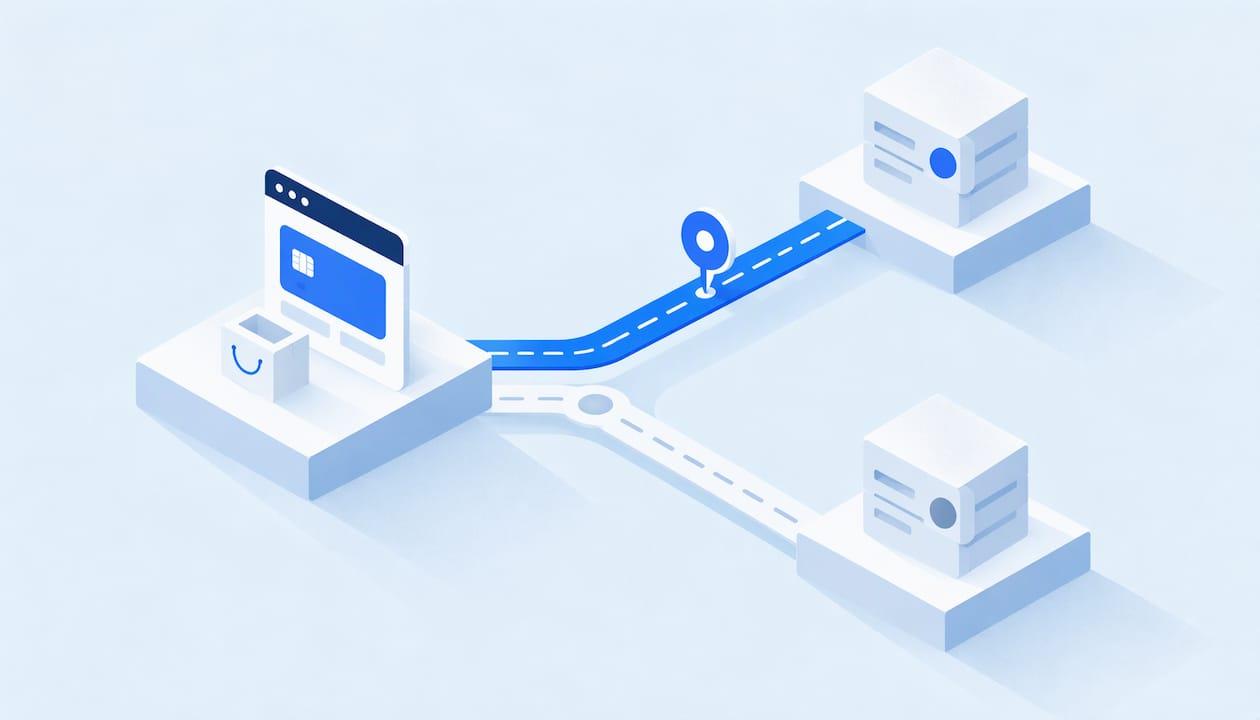
Smart payment routing is the logic that decides which payment provider or route handles each transaction, using signals like card type, currency, amount and recent performance instead of sending everything down one fixed path. For a seller closing $1,000 to $10,000 offers, the point is simple: every declined card is a sale you already earned and lost. The useful question is not whether you can build a routing engine. It is whether your payment setup is built to maximize approvals and recover failed charges without you managing providers. That is how we approach payments at Commas, where payments sit inside the same account as your checkout, funnels, courses and communities.
TL;DR
- Smart routing chooses a route for each payment from live and historical data. Fixed routing sends every payment the same way until someone edits a rule.
- It only helps when there is more than one route to choose from, and it cannot override a card issuer's decision.
- For high-ticket sellers, approvals on large card payments and recovery of failed installments or subscriptions matter more than shaving a fraction of a point off fees.
- Measure it against a baseline: approval rate, decline reasons, cost and outage exposure by region and payment method.
- Commas runs payments through regulated payment partners, so you get payment tooling without building or managing a routing layer yourself.
Table of Contents
- What smart payment routing means
- How a routing engine picks a route
- Signals and rules that shape the decision
- What routing can and cannot do
- When routing matters and when it does not
- Failed payments: where high-ticket revenue leaks
- How to tell whether your routing is working
- A worked example
- What to look for in a payment setup
- Where Commas fits
- Our perspective
- FAQ
- Sources
What smart payment routing means
Every online card payment travels from your checkout to a provider, across a card network, and to the customer's issuing bank, which approves or declines it. Routing is the decision about which provider or path carries that payment. Routing only becomes a real decision when more than one provider can process the same payment.
Fixed routing uses a predetermined map. All Visa payments go to provider A, all euro payments to provider B, and the map changes only when a person edits it. Smart routing, also called intelligent or dynamic routing, evaluates each payment against rules and performance data and picks the path with the best expected result. Stripe describes it as choosing the best possible path for each payment in real time based on accessibility, speed and cost.
You will also see "payment gateway routing." A gateway is the layer that connects your checkout to a processor. Routing across gateways simply means that layer can reach several processors and choose among them, instead of being wired to one.

How a routing engine picks a route
The steps happen in milliseconds, before the customer sees a result. Stripe's guide breaks the process into four parts:
- Gather signals. Payment method, card network, issuing country, currency, amount and device details.
- Compare against rules and performance. Fees, currency conversion costs and approval probability are weighed together. A cheaper route that is more likely to decline is deprioritized.
- Send and retry. The payment goes to the chosen processor. After a technical failure or a non-final issuer response, it can retry through an alternate route.
- Log the outcome. Every authorization result feeds future decisions.
PXP's developer documentation adds a step that matters for reliability: providers that are down, inactive or incompatible are filtered out first through automated downtime detection. Then rules apply, and the engine selects by best historical approval rate, a dedicated assignment, or load balancing with configured weights.
Signals and rules that shape the decision
The open-source routing documentation from Hyperswitch lists the main rule types in plain terms:
| Rule type | What it does |
|---|---|
| Rule-based | Routes by payment method, amount, currency, country, card type or customer context |
| Volume split | Sends set percentages of traffic to different processors |
| Authorization-rate based | Favors the processor with the best recent approval results |
| Cost-based | Re-ranks routes by processor cost, including least-cost debit routing |
| Default fallback | Defines backup order when no rule applies or the chosen processor is ineligible |
For an offer in the $1,000 to $10,000 range, three of these signals deserve attention.
Amount. Large payments draw more scrutiny from issuers and fraud systems. A route that performs well on $29 subscriptions can behave differently on a $6,000 charge.
Geography and currency. A card issued in one country and charged in another is a cross-border payment, and approval patterns often differ from domestic ones. If your buyers are international, our guides on accepting international payments and the questions that expose FX costs in multi-currency checkout cover the practical side.
Payment method. Cards are one rail. Depending on the buyer's market, a local method can matter more than any routing rule, which is why we wrote about adding the two or three local rails that matter.
What routing can and cannot do
Getting expectations right saves money. Two limits are worth knowing.
First, routing can only choose among routes that are available and approved for your business. It happens before the authorization request goes out, and it cannot overrule the issuing bank. If a bank declines a card for its own reasons, no routing layer turns that into an approval.
Second, routing is not a guaranteed uplift. Adyen notes that results depend on ongoing monitoring and tuning, and that an extra layer adds operational work. That is the reason a seller should treat routing as something the payment setup handles, not as a project of their own.
A useful frame comes from Stripe: the cheapest route is rarely the best one if it measurably hurts approvals. For a seller with a high average order value, one extra approved $5,000 sale outweighs a long list of tiny fee savings.
When routing matters and when it does not
Antom's guide says smart routing generally helps conversion when a business uses several processors, markets or payment methods. It also lists the cases where a static setup is the better fit: a single processor, processors that perform identically, volume too low to produce reliable data, unacceptable added latency, rules that rarely change, or compliance needs that call for consistent routing and clean audit trails.
That leaves most coaches, course creators, agencies and paid communities in a specific position. You probably do not run four processors, and you do not have an analyst to tune rules. What you do have is a small number of high-value transactions, recurring billing on payment plans, and buyers in more than one country. The wins for you come from three places:
- Approval on the first attempt for large card payments.
- Recovery when an installment or subscription charge fails later.
- Fewer moving parts between the sales page, the checkout and the money.
Failed payments: where high-ticket revenue leaks
A six-month payment plan on a $6,000 program means six charges that each have to clear. A card expires, a limit is hit, an issuer flags a recurring charge. None of these is a lost customer. They are a payment that needs a second try at the right time, with the right message.
This is where retry logic and dunning matter. Dunning is the sequence of automatic retries and customer reminders that follows a failed charge. Stripe's guide describes automatic retries through alternate routes after technical failures or non-final issuer responses as part of routing itself, and the same principle applies to scheduled billing: retry intelligently, not blindly. Our walkthrough on recovering payments with dunning lays out how to structure the first 30 days.
Commas is built with automated tools to recover failed subscriptions and maximize approvals, inside the same account where the offer, the checkout and the customer record live. When the payment, the funnel and the student or member are in one place, you can see which failed charge belongs to which buyer and which offer without exporting anything between apps.

How to tell whether your routing is working
Whatever your setup, measure before you change anything. Stripe's guidance is to start with a clear baseline and roll out changes gradually, comparing against control traffic. Here is a practical version for a seller.
- Pull a baseline. Approval rate, decline reasons, processing cost and any outage periods, split by country and payment method.
- Separate offers. A $97 workshop and a $7,500 program behave differently. Look at approval rates by price tier.
- Separate first charges from recurring ones. Failed installments need a recovery process, not a routing fix.
- Set a target tied to revenue. Express it as recovered sales, not as a percentage on a dashboard.
- Change one thing at a time. Compare against the previous period or a held-back share of traffic so you know what caused the shift.
- Keep watching. Approval rates, retry recovery, latency, fees and provider health all move.
The cost side deserves its own look. If you suspect fees are eating margin, our piece on what processing fees really cost sellers shows where the costs hide, and the checkout optimization plan covers the friction that sits before the payment even reaches a route. If many of your buyers pay on phones, the mobile checkout tests are a good place to start.
A worked example
Take an agency selling a $4,000 retainer setup fee plus a $1,500 monthly plan to clients in the US, UK and Canada. Over a quarter, it sees a handful of declined first payments and several failed monthly charges.
The baseline shows two different problems. The declined first payments cluster on cards issued outside the US, which is a cross-border and payment method question. The failed monthly charges are mostly expired or flagged cards, which is a recovery question. Treating both as "a routing problem" would send the agency shopping for processors. Separating them points to local payment options for the first group and a retry and reminder sequence for the second.
This is the kind of diagnosis that makes routing useful, and it is also why a single account that holds checkout, billing and customer records is easier to audit than three tools stitched together. Our agency billing and payments page covers that setup for service businesses.
What to look for in a payment setup
When you compare platforms, ask questions that tie to revenue rather than to jargon.
- Does the platform recover failed subscription and installment charges automatically?
- Can you see approval and decline data per offer, not only in aggregate?
- Are payments, checkout and delivery in one account, so a failed charge is tied to a buyer, a product and a funnel?
- Does it cover the payment options your buyers use, including subscriptions and buy now, pay later?
- Who operates the payment layer? At Commas, payments run through regulated payment partners.
Where Commas fits
Commas is one platform where online businesses sell and get paid: checkout, funnels, courses, paid communities, webinars and affiliates, with payments built in. Commas Payments supports one-click payments, buy now, pay later and subscriptions, and the same dashboard holds Vibe Funnels, online courses and paid groups. That means the person managing the offer is also looking at the payment data, without handing it to a separate tool.
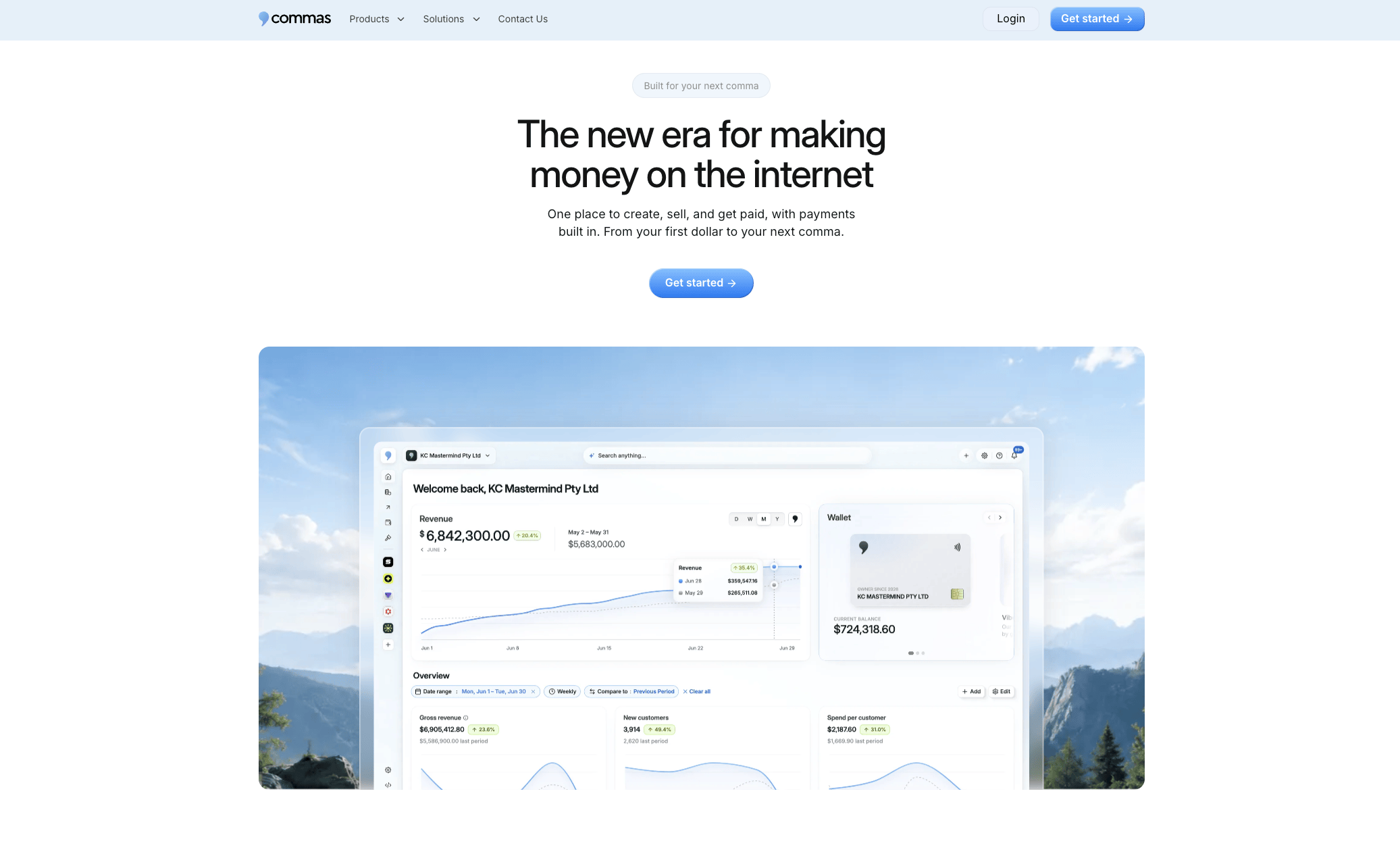
If you are choosing a platform or fixing a revenue problem tied to declines and failed charges, start with the payments page and compare it against your own baseline from the section above.
Our perspective
Most of the routing advice online is written for companies with several processors, an engineering team and millions of transactions. A seller with a $5,000 offer has a different problem. You have fewer payments, each worth a lot, and every failure has a name attached to it.
We built Commas around that reality. Payments, checkout, funnels, delivery and community live in one account, and Commas runs payments through regulated payment partners. Failed subscriptions are recovered by automated tools, and the whole account is designed to maximize approvals, so you are not asked to become a payments operator to protect your revenue.
Our advice is to judge any setup by what it recovers and what it shows you. Can you see why a payment failed? Can you tie it to the offer and the buyer? Can the system try again at a sensible time? If the answers are yes, the routing question mostly answers itself.
Commas
FAQ
What is the difference between smart routing and a payment gateway?
A gateway connects your checkout to a processor. Smart routing is the decision layer that chooses among several processors or routes for each payment. A basic gateway may have only one route, so there is nothing to choose.
Does smart routing guarantee higher approval rates?
No. It can only choose among routes available to your business, and it cannot override the issuing bank. Results depend on your traffic, your markets and ongoing monitoring, so measure against a baseline before and after any change.
Do high-ticket sellers need smart routing?
What they need is strong approval on large payments and a reliable way to recover failed installments. Routing across several processors mostly pays off for businesses with multiple processors, markets or payment methods and enough volume to produce reliable data. For most sellers, a platform that handles payments and recovery in one account covers the need.
What should I track to know whether my payments are healthy?
Track approval rate, decline reasons, processing cost and outage exposure, split by country, payment method and price tier. Add recovery rate for failed recurring charges. Review them on a regular schedule, since all of them move over time.
Sources
- A Guide to Intelligent Payment Routing, Stripe
- How it works, PXP smart routing documentation
- Intelligent Routing, Hyperswitch documentation
- What Is Payment Orchestration? Smart Routing vs Static Routing, Antom
- What is payment orchestration? Adyen