

Multi currency checkout lets shoppers see prices and pay in their own money instead of yours, and it works because it removes the mental math that kills conversions at the worst possible moment. Merchants who enable it typically see fewer abandoned carts and access to payment methods that only exist in local currency, like iDEAL or Pix. The move now is to compare implementation options against your existing stack, not whether to do it at all.
TL;DR:
- Native charging generally offers higher approval rates and fewer foreign transaction fees compared to Dynamic Currency Conversion, due to local payment processing.
- Implementing multi-currency checkout can involve hosted sessions, API integrations, or multi-vendor setups, with tradeoffs in control and engineering effort.
- Local payment methods like iDEAL, Pix, UPI, and BLIK require processing and settlement in the respective local currencies to work reliably.
- Using guaranteed-rate windows and transparent reporting helps merchants manage FX rate fluctuations and track currency conversions accurately.
- Integrated platforms like Commas Payments simplify multi-currency management for small teams by combining checkout, upselling, and billing in one system.
Table of Contents
- What Is Multi Currency Checkout, Really?
- How Do Multi-Currency Checkouts Actually Work?
- Which Implementation Path Fits Your Stack?
- Which Payment Methods Need Local Currency Support?
- How Do Fees and FX Rates Actually Work?
- How Do You Choose a Multi-Currency Solution?
- Why an Integrated Payments and Funnel Platform Changes the Math
- Where Commas Fits Into Your Checkout Strategy
- Sources
- FAQ
What Is Multi Currency Checkout, Really?
Multi-currency checkout means a customer sees a price, and pays, in their own currency rather than the store's default one. That sounds simple until you hit the two terms every provider conversation eventually turns on: presentment and settlement.
Presentment currency is what the customer sees and pays with at checkout. Settlement currency is what actually lands in your bank account. These can differ. A shopper in Tokyo might pay in yen while you get paid in dollars, with the conversion happening somewhere in between.
That "somewhere in between" is where native charging and Dynamic Currency Conversion (DCC) split apart. Native charging processes the transaction directly in the customer's local currency through local payment rails. DCC just converts the displayed price and often the receipt, while the underlying transaction still routes as a foreign currency charge on the customer's card. It looks similar on screen. It behaves very differently on the back end.
- Presentment: the currency shown and charged to the buyer
- Settlement: the currency that hits your merchant account
- Native charging: local payment method, local currency, local rails
- DCC: display-only conversion layered on top of a foreign transaction
Native charging usually wins on approval rates because card networks and local banks trust transactions that look domestic to them. A presentment-to-settlement flow might look like this: a buyer in Berlin pays €45, the provider processes it as a genuine euro transaction, and you receive dollars a few days later after conversion at your account's settlement rate.
How Do Multi-Currency Checkouts Actually Work?
Most modern checkouts handle currency in three layers: detection, pricing, and conversion timing. Getting the order right determines whether the experience feels seamless or bolts on friction at the exact moment a customer is ready to buy.
- Detection. The system infers the customer's likely currency from their IP address or billing details.
- Pricing. The store calculates a localized price, often rounding to a "clean" number in that currency rather than a literal conversion.
- Conversion timing. The rate gets locked in, either at checkout or at settlement, depending on the provider's model.
Stripe's Adaptive Pricing tool illustrates the pattern well: it infers the presentment currency from a customer's public IP address, calculates a localized price, and can offer a guaranteed exchange rate window, commonly held for 24 hours, so the price a shopper sees stays fixed even if the market moves before they finish checkout.
Whether to let customers manually switch currency or just infer it automatically depends on your audience. B2B buyers and repeat customers often want a manual selector they can trust. First-time visitors from a detected region usually convert better when the right currency just appears, no clicking required.
Where the actual conversion happens matters more than most merchants realize. If your provider converts, you often see one clean settlement currency and predictable fees. If the card issuer converts, the customer might get hit with a foreign transaction fee you never see or control, which can trigger complaints that land on your support desk instead of the bank's.
Pro Tip: Test both automatic detection and a visible manual override. Some shoppers, especially business buyers paying by invoice, want the confidence of clicking their own currency rather than trusting an algorithm to guess right.
Which Implementation Path Fits Your Stack?
Three general approaches cover most merchants, and the right one depends less on company size and more on how much engineering time you have to spend.
Hosted checkout sessions hand the entire payment page to your provider. You get built-in localization, currency detection, and a currency selector without writing conversion logic yourself. The tradeoff is control: you're working inside someone else's template, and deep customization gets harder.
Gateway integration, using components or APIs directly in your own checkout page, gives you full control over layout, upsells, and flow. It also means your team owns more of the logic around presentment currency, error handling, and fallback behavior when detection fails.
Composable or multi-vendor setups stitch together a payments provider, a separate FX or treasury tool, and sometimes a marketplace layer for tax and compliance. This suits larger catalogs selling across many regulatory environments, though it multiplies the number of vendor relationships you have to manage.
Large providers now advertise support for 100+ currencies and 100+ payment methods through prebuilt checkout sessions and selector components, which is why most small and mid-size merchants start with hosted options rather than building from scratch. Enterprise setups tend to go further, coordinating localization, fraud checks, and compliance in a single infrastructure layer to manage market coverage without losing brand control.
- Hosted checkout: fastest to launch, least flexible
- Gateway/API integration: most control, most engineering time
- Composable/multi-vendor: best for complex, multi-market catalogs
Put your currency selector where the eye already lands: header or footer for persistent access, and again at the final payment step so nothing changes unexpectedly right before purchase. That second placement is the one merchants forget, and it's the one that prevents last-second confusion.
Which Payment Methods Need Local Currency Support?
Some of the most popular payment methods outside the US flatly will not work unless you present, and often settle, in the local currency. This is the part of multi currency payments that trips up merchants who assume a currency dropdown solves everything.
- iDEAL (Netherlands): requires euro-denominated processing
- Pix (Brazil): requires Brazilian real
- UPI (India): requires Indian rupee
- BLIK (Poland): requires Polish zloty
Displaying a converted price in a customer's currency without native local processing doesn't unlock these rails. That distinction, display conversion versus true local presentment, is the single most common thing merchants get wrong when they think they've "gone international" by adding a currency picker.
Enabling genuine local presentment tends to lift approval rates, since local banks and card networks treat domestic-looking transactions with more trust than foreign ones. It also changes your operations: refunds and disputes on local methods often route through different timelines and rules than card refunds, so your support team needs a playbook per method, not one generic policy.
How Do Fees and FX Rates Actually Work?
Guaranteed-rate windows are the tool that keeps a quoted price honest between the moment a customer sees it and the moment they pay. These windows commonly run 24 hours, matching the Adaptive Pricing model, though some providers extend windows further for B2B invoicing or subscription billing where payment happens days after the quote.
Fees show up in a few predictable places:
- Exchange rate markup: providers often build in a small uplift, commonly including a small exchange rate markup often in a low single-digit percentage range, typically paid by the customer through the presented rate
- Settlement fees: charged to you for converting incoming funds to your home currency
- Cross-border transaction fees: sometimes layered on top by the card network itself
American Express, for example, accepts submission in over 100 currencies but settles into a smaller set of settlement currencies, meaning your presentment options can be far broader than your actual payout currency.
Merchants with real volume in a specific region can negotiate a fixed local markup instead of a floating rate, hold multi-currency balances to avoid converting on a bad day, or schedule conversions around favorable rate windows. Providers like ClearBank now offer multi-currency accounts and APIs that let businesses hold balances and execute FX in real time rather than converting automatically on every transaction.

How Do You Choose a Multi-Currency Solution?
Vendor pitches all sound similar. The differences show up in the details you have to ask about directly.
- Presentment currencies. How many, and does the list match your actual target markets?
- Settlement options. Can you settle in more than one currency, or does everything funnel into a single home currency?
- Payment method coverage. Does the provider support the local methods, iDEAL, Pix, UPI, and similar, that your target regions actually use?
- Reporting and reconciliation. Can your accounting team map presentment currency to settlement currency without manual spreadsheet work?
- Refunds across currencies. What rate applies to a refund issued weeks after the original charge?
- Compliance coverage. Does the provider handle PCI DSS and Strong Customer Authentication (SCA) requirements for the regions you're entering?
Ask providers directly: How long is your guaranteed-rate window? What's your settlement lead time? How long does integration typically take for a store our size?
Pro Tip: Ask every finalist for a sample reconciliation report before you sign anything. If they can't produce one, your finance team will be doing manual currency math every month indefinitely.
Red flags worth walking away from: exchange rate markups that aren't disclosed anywhere in writing, a settlement currency list far shorter than the presentment list with no clear explanation why, and reporting dashboards that can't separate presentment currency from settlement currency at the transaction level.
Why an Integrated Payments and Funnel Platform Changes the Math
Bundling payments with your funnel and product delivery tools cuts the coordination tax that comes with stitching together separate systems for checkout, upsells, and affiliate payouts. Launches move faster when currency logic, upsell flows, and affiliate tracking all live in one account instead of three. That matters most for creators and small teams without dedicated engineering, where "best of breed" often just means "best at making you the integrator."
Where Commas Fits Into Your Checkout Strategy
Some platforms offer an alternative to stitching together a payment gateway, a separate funnel builder, and a third-party affiliate tool by combining these functions into a single solution for creators and SMEs. Commas Payments combines checkout, one-click payments, and subscription billing directly inside the same account as Vibe Funnels, so pricing, currency presentment, and upsell logic live in one place instead of getting synced across separate dashboards.
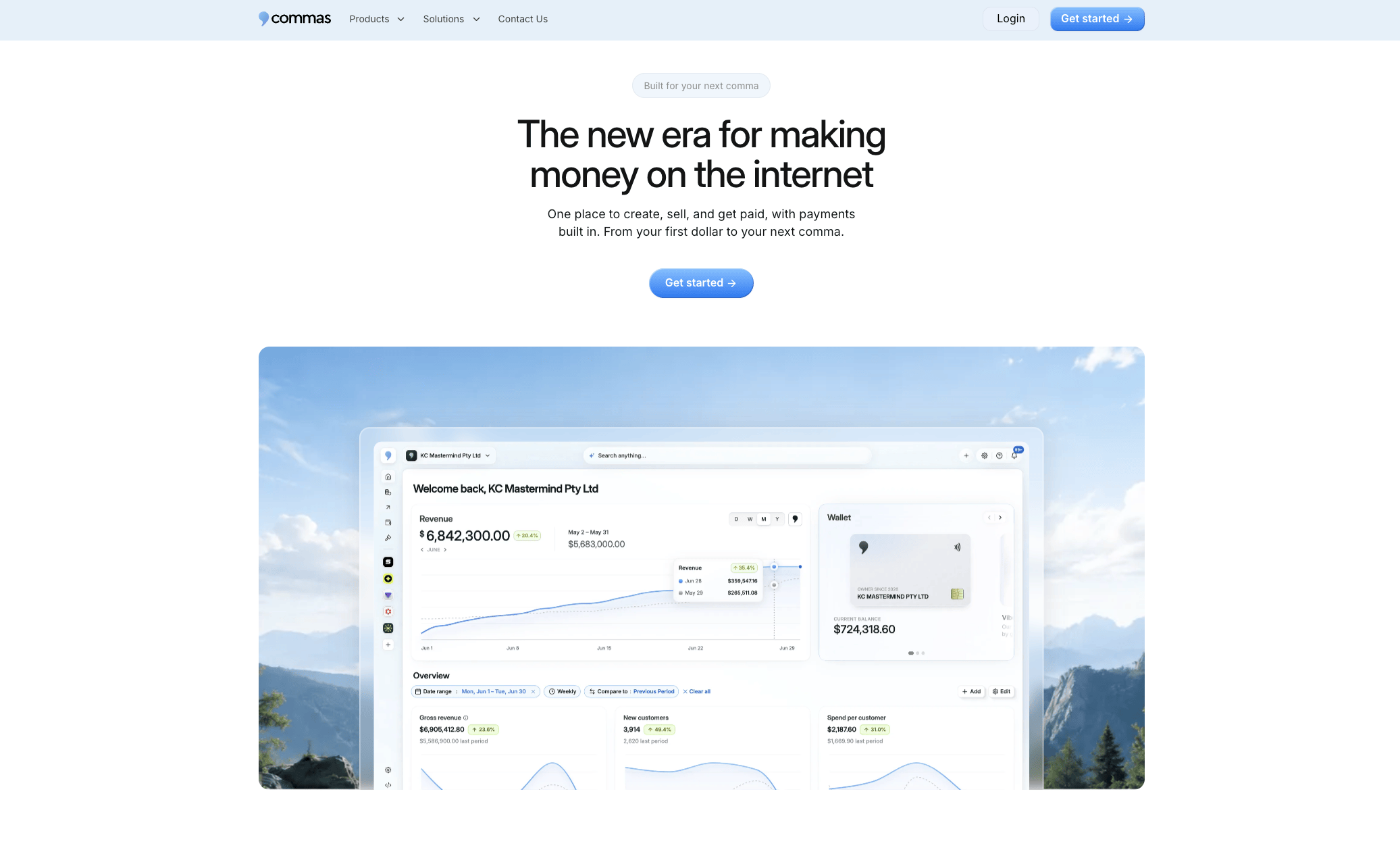
For creators selling courses, communities, or coaching across borders, that means less time debugging why a currency selector doesn't talk to your funnel software, and more time building the offer itself. If you're currently juggling separate tools for payments and sales pages, visit the Commas Payments page to see how the integrated checkout handles multi-currency presentment, or start a trial to test it against your current stack.
Sources
- Adaptive Pricing — Stripe Docs
- Multi-Currency Payment Processing Gateway | AMEX Merchant
- What are multicurrency payments? How they work and how to use them — Stripe
FAQ
What Is Multi-Currency Checkout?
Multi-currency checkout lets customers view prices and complete payment in their own local currency rather than the merchant's default one. It typically relies on either native local processing or display-layer conversion, and the two behave differently for approval rates and payment method access.
Which US Banks Offer Multi-Currency Accounts?
Several US-based financial institutions and fintech providers offer multi-currency accounts that let businesses hold balances in multiple currencies rather than converting automatically on every transaction. Providers like ClearBank offer this through APIs that support real-time FX execution alongside balance holding.
How Do You Buy Something Online in a Different Currency?
You typically select your currency from a dropdown at checkout, or the site detects your location automatically and displays the price in your local currency already. The conversion happens either through the merchant's payment provider at checkout or through your card issuer after the fact, and which one occurs affects whether you see foreign transaction fees.
What Is a Multi-Currency Payment Gateway and How Does It Work?
A multi-currency payment gateway processes transactions in more than one currency, handling presentment, conversion, and often settlement in a single system. Platforms like Stripe advertise support for 100+ currencies and payment methods through prebuilt checkout components merchants add directly to their storefronts.
Does Commas Support Multi-Currency Payments?
Commas integrates payment processing directly into its funnel and product platform, letting creators and SMEs manage checkout, subscriptions, and upsells without juggling separate tools. Specific currency and payment method coverage is best confirmed on the Commas Payments page, since current details are listed there.