
If your course offers ongoing value through monthly coaching, a live community, or a steady drip of new content, recurring payments are the better way to turn one-time launches into predictable revenue. A subscription model smooths out cash flow and raises lifetime value per learner, and the operational work of setting it up correctly pays for itself within a single billing cycle.
TL;DR:
- Use recurring billing for monthly cohorts, coaching, or community access; a finished curriculum with a clear endpoint usually suits one payment or installments.
- Cards suit individual learners and support automatic retries, while bank debit can lower transaction costs for expensive coaching, and institutional buyers often need invoices.
- Retry failed charges on staggered schedules, commonly after one, three, and seven days, and use a card updater to prevent replacement cards from interrupting billing.
- EdTech subscriptions average 3.8% monthly churn, often because learners finish the material; ongoing cohorts, advanced modules, or community access give them reasons to stay.
- Keep trials to seven to fourteen days and state the full price and renewal terms before signup, with cancellation as simple as enrollment.
Table of Contents
- What Recurring Payments Mean for Course Businesses
- Billing Models and Payment Methods That Fit Courses
- Setting Up Recurring Billing for Your Course, Step by Step
- Keeping Subscriptions Alive: Dunning, Updated Cards, and Cancellations
- Pricing Tactics That Keep Learners Paying
- Launch Checklist and First 90 Days
- Benchmarks Worth Knowing Before You Launch
- The Two Operational Changes I'd Launch This Quarter
- How We Help You Launch Recurring Payments Without the Extra Tools
- FAQ
- Sources
What Recurring Payments Mean for Course Businesses
A recurring payment charges a learner on a set schedule, usually monthly or annually, for continued access to your course, community, or coaching. A one-time payment, by contrast, charges once for a fixed deliverable: a self-paced video course a learner owns outright with no further billing.
The model you pick should match what you are actually delivering:
- A rolling cohort program with new live sessions each month fits recurring billing because the value renews.
- Ongoing group coaching or a paid community fits recurring billing for the same reason: access, not content, is the product.
- A single, finished curriculum with a clear end point (a certification prep course, for example) often works better as a one-time or installment payment, since there is no new value arriving after week six.
Recurring billing changes your cash flow curve. Instead of one large payment at launch, you collect smaller amounts every month, which smooths revenue but also means a learner's non-payment shows up immediately as churn rather than as a sunk cost you already banked. It also resets learner expectations: someone paying monthly expects something to show up monthly, whether that is new material, live access, or community activity. Build that expectation into your course design before you build it into your checkout.
Billing Models and Payment Methods That Fit Courses
Most course businesses choose from a handful of billing structures, and the right one depends on how your offer is priced and delivered.
- Fixed subscriptions charge the same amount every cycle for standard access, the simplest model to run and explain.
- Tiered plans separate a base course tier from a premium tier that adds coaching calls or a private community.
- Trial-to-paid flows offer a short free or discounted period that converts automatically to full price unless the learner cancels.
- Installments split a high-ticket price, common in the $1,000 to $10,000 range, into equal monthly charges over a fixed term rather than indefinitely.
- Buy-now-pay-later (BNPL) arrangements let a learner access the full course immediately while a third party collects the installments, useful for multi-month coaching programs where upfront price is a barrier.
On the payment-rail side, card-on-file billing remains the default for individual learners, since cards support both the convenience of saved credentials and the automatic retry logic covered below. ACH or bank debit tends to cost less per transaction and suits higher-ticket coaching programs where the saved cost matters more than the extra day or two of settlement time. Institutional buyers, like a school district licensing your course for staff, often need invoicing rather than card billing, with payment terms negotiated outside the checkout flow. If you sell internationally, confirm your payment partner supports the currencies and local payment methods your learners actually use; a checkout that only accepts one currency quietly excludes a share of your audience before they ever see a price.
Setting Up Recurring Billing for Your Course, Step by Step
Getting from decision to live billing is a sequence, not a single setup screen. Skipping a step here is where most avoidable churn and declined-charge problems start.
- Define your plan structure first. Decide on billing cadence (monthly or annual), the number of tiers, whether you offer a trial, and how you will prorate upgrades or downgrades mid-cycle.
- Choose a payment pathway. Decide whether you want a standalone processor plus a separate funnel and course tool, or a combined platform. A platform like Commas handles checkout, funnels, and course delivery in one account, which removes the integration work of stitching three tools together.
- Build the checkout and connect webhooks. Your checkout needs to pass plan, trial, and proration logic correctly, and your backend needs to listen for billing events: successful charge, failed charge, cancellation, renewal, and plan change.
- Implement subscription event handling. Every event above should trigger a corresponding action: granting or revoking course access, updating a learner's tier, or firing a dunning sequence on failure.
- Run a full sandbox test. Simulate a successful charge, a declined card, a cancellation mid-cycle, and an upgrade, confirming access updates correctly in each case.
- Audit your first live charges. Watch the first batch of real transactions closely: confirm the correct amount billed, the correct access granted, and that your dunning and renewal logic fired as designed.
Pro Tip: Run your sandbox tests with a deliberately expired card and a deliberately insufficient-funds card, not just a valid one, since those are the scenarios that reveal gaps in your dunning setup before a real learner hits them.
Keeping Subscriptions Alive: Dunning, Updated Cards, and Cancellations
Most subscription revenue is not lost to a learner deciding to quit. It is lost to a card that expired, got replaced, or briefly had insufficient funds, a category known as involuntary churn, and it is the easiest churn to recover if your systems are built for it.
- Build an automated dunning sequence that retries a failed charge on a staggered schedule (commonly at one, three, and seven days) rather than all at once, paired with an email or text that tells the learner exactly what happened and how to fix it.
- Enroll in a card updater service, such as Visa Account Updater, which automatically pushes new card numbers and expiration dates from the issuing bank to your payment file so a reissued card does not silently break a subscription.
- Escalate unresolved failures after the final retry with a clear, low-friction path to update payment details, rather than letting the subscription lapse quietly.
- Capture the verbatim reason a learner gives when canceling, not just a dropdown category, and review that language regularly for patterns you can act on, such as pricing confusion or a feature they expected but never found.
Short, targeted re-engagement sequences triggered at the first sign of inactivity can recover 10 to 15 percent of churning users. That is a meaningful share of revenue for a $2,000-a-year coaching subscription, and it costs nothing beyond the automation to build it once.
Track involuntary churn and recovery rate as separate numbers from voluntary cancellations. A detailed dunning playbook and a focused churn-reduction plan are both worth building into your first 90 days rather than treating as cleanup work later.
Pricing Tactics That Keep Learners Paying
Pricing a course subscription is less about the number on the checkout page and more about what that number buys over time; for further insights, see how to increase customer retention.
- Use tiered pricing with a clear anchor: a base tier at one price and a premium tier with coaching or community access priced noticeably higher, so the premium tier looks like the obvious upgrade rather than a stretch.
- Bundle live coaching or a private community with core course access rather than selling them separately, since bundled access tends to feel like more value for the same spend than an equivalent price split across two line items.
- Build a curriculum ladder: an intermediate or advanced module, a certification, or an annual renewal that gives a learner who finished your core course a reason to keep paying.
- Keep trial periods short enough to create urgency, typically seven to fourteen days, and make the transition to paid pricing explicit in your messaging rather than something a learner discovers on their statement.
Launch Checklist and First 90 Days
A subscription launch has a short list of things that must be right before the first charge, and a longer list worth watching closely right after.
- Confirm your checkout discloses price, billing frequency, and renewal terms clearly before collecting payment information, and provide a cancellation path that is as simple as sign-up, in line with the FTC's click-to-cancel rule.
- Log consent and disclosure records at the moment of purchase, not reconstructed later.
- Run a full test matrix covering declines, upgrades, downgrades, and refunds before opening checkout to real customers.
- In the first 90 days, monitor first-billing success rate, dunning recovery outcomes, and the specific reasons learners cite when they cancel, then run short tests to address whichever driver shows up most.
Benchmarks Worth Knowing Before You Launch
EdTech subscriptions see an average monthly churn of 3.8 percent, and the leading cause by a wide margin is learners finishing the course content, not dissatisfaction. That points to a clear fix: build a curriculum ladder, ongoing cohorts, or a community that gives finishers a reason to stay. A platform like Commas combines funnels, course delivery, and payments in one account, and our own implementation guidance describes launching compliant subscription payments in roughly 30 to 90 days.

The Two Operational Changes I'd Launch This Quarter
If I were running a $2,000 to $8,000 coaching subscription right now, I would pilot a tiered model with a short trial before touching anything else, since it tests both pricing and retention assumptions at once without a full rebuild. Month one priorities: a staggered dunning sequence and a card updater service, since involuntary churn is the fastest recoverable revenue available. Validate both with a 30-day test against your current cancellation rate before scaling the change across your full subscriber base.
— FanBasis
How We Help You Launch Recurring Payments Without the Extra Tools
We built Commas so you are not stitching together a separate checkout, funnel tool, and course platform just to bill learners every month. Our platform runs payments through regulated payment partners, and that same account handles your sales funnel, course delivery, community access, and the dunning and recovery work covered above.
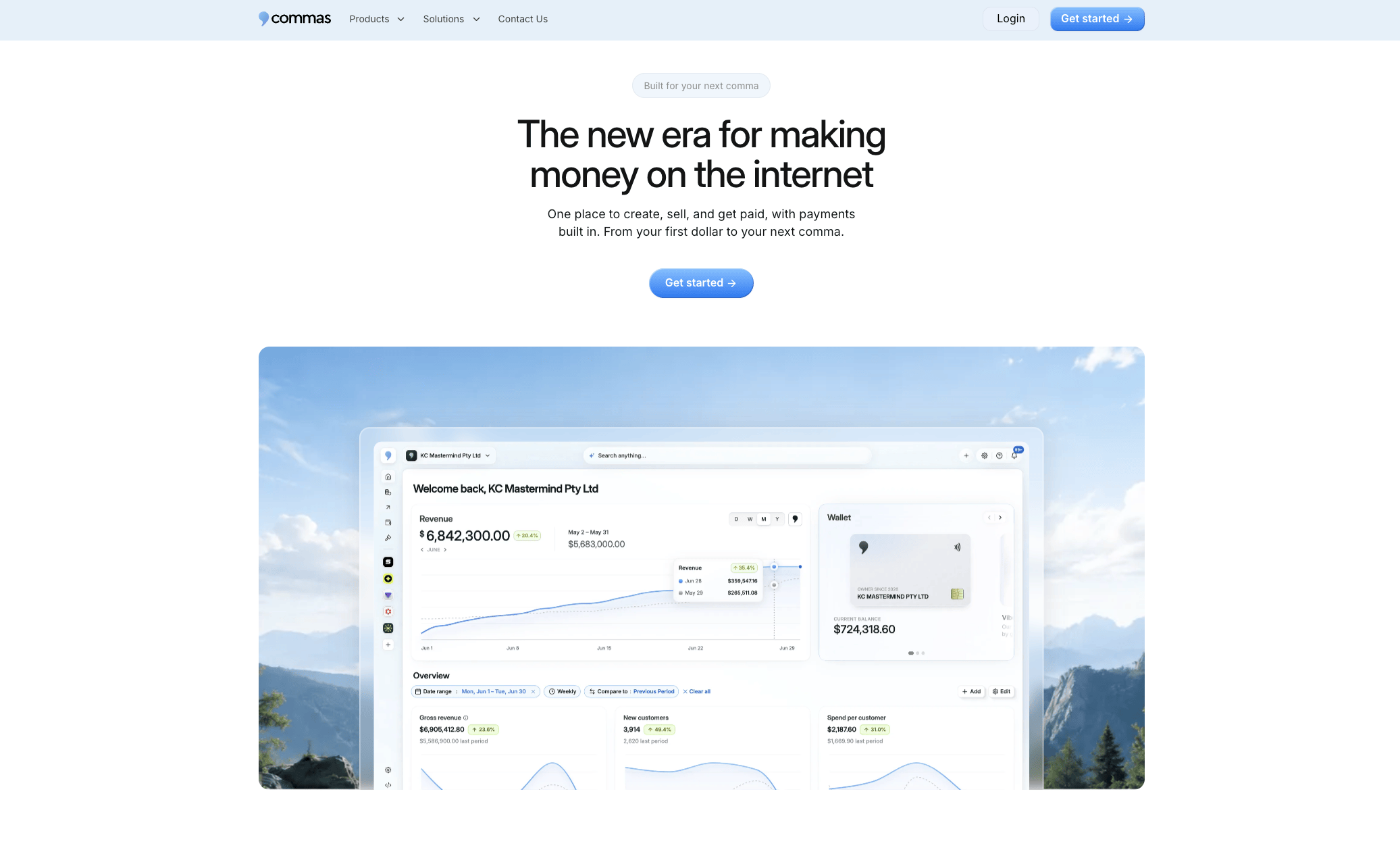
What that looks like in practice for a course subscription:
- Commas Payments handles the recurring charge, retries, and card updates without a separate processor integration.
- Vibe Funnels builds the sales page and checkout flow that feeds directly into your subscription.
- Online Courses and Paid Groups deliver the content and community that give subscribers a reason to keep paying.
If you are weighing whether to build this with separate vendors or on one account, our guide on launching compliant subscription payments in 30 to 90 days walks through the setup timeline. Check availability for a demo at Commas.
FAQ
What is a recurring payment on a credit card?
A recurring payment on a credit card is a charge a merchant is authorized to bill automatically on a set schedule, such as monthly or annually, until the cardholder cancels. The card stays on file and the charge repeats without the customer re-entering payment details each cycle.
What does "one-time payment" mean?
A one-time payment is a single charge made for a specific purchase with no further billing scheduled afterward. For a course, that typically means the learner pays once and keeps access without any recurring charge tied to it.
What are the four types of payments?
Payments are commonly grouped into one-time payments, recurring fixed payments, recurring variable payments, and installment payments. Course sellers typically use a mix: one-time for self-paced content and recurring or installment billing for coaching, cohorts, or community access.
What does "recurring dues" mean?
Recurring dues refer to a fixed amount charged on a repeating schedule for continued membership or access, similar to a subscription fee. In a course context, recurring dues usually describe ongoing community or membership charges rather than a one-time course purchase.
How do I reduce declined charges on course subscriptions?
Enroll in a card updater service like Visa Account Updater to keep stored cards current automatically, and pair it with a staggered dunning sequence that retries failed charges over several days. Together, these two steps recover a meaningful share of what would otherwise become involuntary churn.
Sources
- Federal Trade Commission announces final “click-to-cancel” rule making it easier for consumers to end recurring subscriptions and memberships
- EdTech Churn Rate: 3.8% Avg Monthly (2026 Benchmarks)
- Visa Account Updater overview