
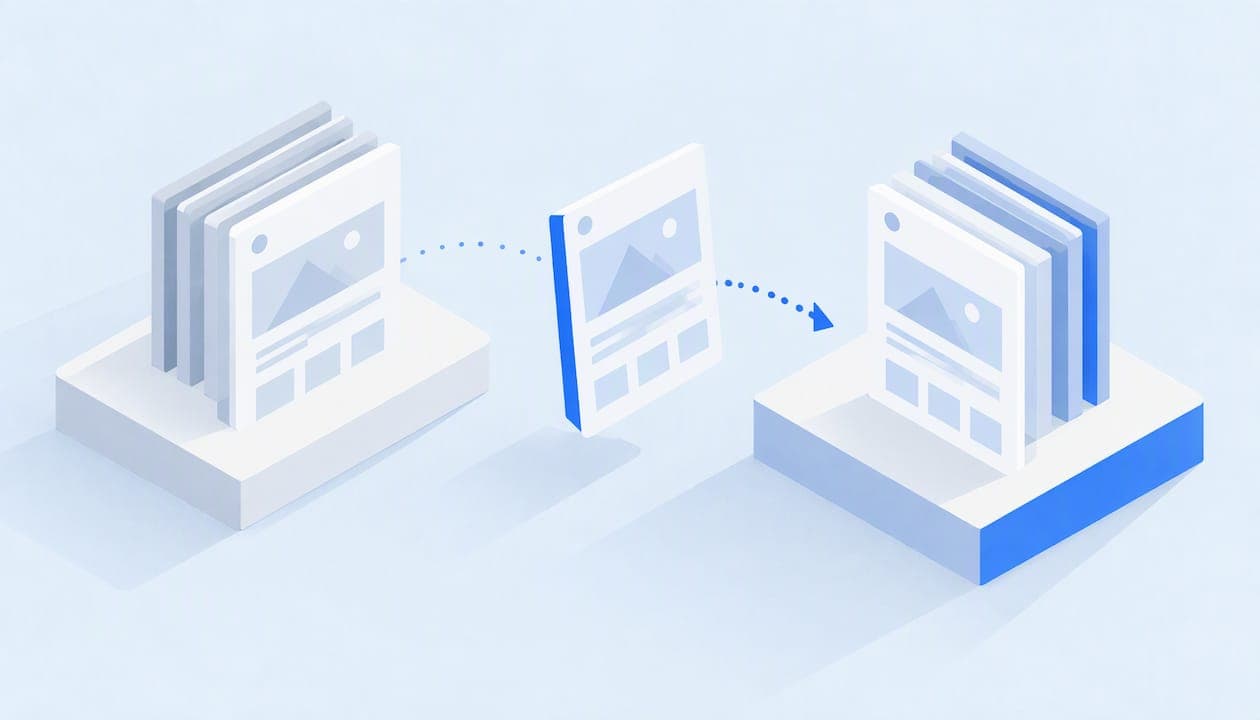
You can import a ClickFunnels funnel by pasting each page's published https:// URL into your target builder's importer, and GoHighLevel's works this way. Copy the live page URL first, and plan to move one step at a time. Before you start, export your contacts as a CSV, and expect to rebuild membership areas and forms by hand.
TL;DR:
- Use each page’s public, published HTTPS URL, not a share link; GoHighLevel supports ClickFunnels 1.0 and 2.0, but imports one step at a time.
- Export contacts to CSV separately: basic fields can transfer, but historical funnel interaction logs and past automations do not come with the page import.
- Plan to rebuild membership lessons, access rules, forms, and related automations; custom CSS, tracking scripts, and checkout integrations may also need manual setup.
- Keep the original live until the new funnel passes checkout and tracking tests, including confirmation that analytics and ad pixels record a test sale.
- Import straightforward signup, sales, and confirmation pages; rebuild funnels that rely on membership rules or layered automations, which the importer does not carry over.
Table of Contents
- How do you import a ClickFunnels page, step by step?
- What imports cleanly and what does not?
- How should you prepare your ClickFunnels account before importing?
- What do you do when the importer fails?
- How do imported funnels work with Commas Payments and AI funnel optimization?
- How does importing change analytics and conversion tracking?
- When should you import, and when should you rebuild?
- Moving your funnels to a platform with checkout built in
- FAQ
- Sources
How do you import a ClickFunnels page, step by step?
The importer works from the public version of your page, not from your ClickFunnels account. That is why the URL you give it matters more than anything else. HighLevel's own documentation says the importer needs the publishable live link, not the share link, and that it handles ClickFunnels 1.0 and 2.0 pages. Here is the workflow:
- Open the ClickFunnels page you want to move and copy its published URL. It should start with https:// and load for anyone without a login.
- In GoHighLevel, create a new funnel or open an existing one, then add a new funnel step or page.
- Click the Import button inside that step. The import feature lets you select the page to import and confirm it into the funnel preview area.
- Paste the ClickFunnels publishable URL into the importer modal and confirm to create the funnel step.
- Wait for the import to finish. It can take a few seconds or a few minutes, so resist the urge to refresh.
- Repeat the same process for every page in the funnel, in the order your visitors see them.
- Save and publish each imported step, then click through the whole funnel. Check layout, button links, images and any embedded video.
The one-page-at-a-time limit is the part that surprises people. Each funnel step needs its own import. Budget your time for that, and do the pages in funnel order so you can test the flow as you go rather than at the end.
If you are moving funnels between sub-accounts inside HighLevel itself, you have a second route. HighLevel offers both importing by share link and cloning, and cloning can copy an entire funnel or selected steps to another location at once. Importing is for content coming from outside, and cloning is for content that already lives inside.
What imports cleanly and what does not?
Standard page-builder pages are the sweet spot: opt-in pages, sales pages and thank-you pages generally come across with their layout intact. The trouble starts with anything that depends on ClickFunnels' backend logic rather than on page design.
- Membership areas do not import through the funnel share URL. HighLevel states this directly, so plan to rebuild lessons, access rules and enrollment in the target membership tool.
- Forms and surveys do not transfer. The cloning and import documentation notes that lead capture elements must be set up after the import.
- Automations and lead-capture workflows tied to those forms need to be rebuilt and reconnected.
- Custom CSS, tracking scripts and checkout integrations may need manual reconfiguration, since they often live in settings rather than in the visible page.
Pro Tip: Open every imported page next to the original on a second screen and click each button and form field. Anything that looks right but does nothing is usually a form or integration that did not come across.
How should you prepare your ClickFunnels account before importing?
Importing is the fast part. The preparation is what protects your contact data and saves you from reverse-engineering your own funnel later.
- Export your contacts. ClickFunnels can generate a CSV through its contact export: open the Contacts tab, choose a date range or list, and start a bulk export. The file is often emailed to the account holder, and speed depends on how many contacts you have. Expect basic fields to carry over to GoHighLevel, but not historical funnel interaction logs. Map the fields you need before you import the CSV.
- Download an HTML backup of key pages. ClickFunnels does let you download a page, but per its account closure guidance, the file is an iframe-based skeleton that references ClickFunnels assets rather than raw HTML, CSS and images. Treat it as a reference, not a portable copy.
- Document every funnel. HighLevel's migration guide recommends recording page names, URL paths, structure, tracking codes, payment gateways, themes and custom CSS before you move anything. A simple spreadsheet with one row per page is enough.
If your move also changes your domain or URL structure, map old URLs to new ones early. This site migration SEO guide covers how to keep rankings and external links intact during a move.
What do you do when the importer fails?
Most import problems come down to the URL or to patience.
- Use the full publishable link. Paste the live https:// address, not a share link or an http:// version. Many importers reject anything else.
- Wait before retrying. If the import appears stalled, give it a few minutes before you refresh, since larger pages take longer.
- Rebuild membership content manually inside the target platform's product or membership area, because it will not arrive through the importer.
- Restore lead data through the CSV. When forms did not transfer, import your exported contacts, then reconnect the automations that should fire for those leads.
- Try cloning for same-vendor moves. If the source funnel already sits in a HighLevel account, clone it instead of importing it.
Pro Tip: Keep the original ClickFunnels page live until the imported version passes a full test, including a real checkout. Taking the old page down first can interrupt sales.
How do imported funnels work with Commas Payments and AI funnel optimization?
Moving a funnel is only half of a migration. The other half is making sure money still flows. An imported page is a layout, so the checkout, the order bumps and the payment settings behind it usually need to be rebuilt or reconnected wherever the funnel lands.
This is where we see sellers lose the most time, and it is why we built payments into the same account as the funnel. If you bring a sales page into Vibe Funnels, you are not stitching a page builder to a separate payment tool. Checkout lives alongside the funnel, and Commas Payments runs through regulated payment partners, so there is one place to check when a purchase does not go through.
Once your pages are live, our AI funnel optimization looks at your funnel against proven patterns, so you start from a tested structure rather than a one-to-one copy of what you had. That matters because a faithful import also imports every weakness of the original. A page that converted modestly in ClickFunnels will convert modestly after the move unless you change something.
A sensible order is to import the pages, reconnect checkout, test a real purchase, and only then start adjusting headlines, offers and upsell sequences. For ideas on what to automate next, our funnel automation guide walks through the practical options.
How does importing change analytics and conversion tracking?
Importing a page does not guarantee that tracking comes with it. Pixels, tracking IDs and custom scripts often sit in funnel or page settings, and HighLevel's migration guidance specifically tells you to document tracking codes before you move. If you skipped that step, your ad platforms may stop recording conversions even though sales are happening.
Expect a few potential effects:
- A reset in history. Your new funnel starts with its own data. Past visitor behavior and funnel interaction logs stay behind in ClickFunnels, so export any reports you want to compare against before you close anything.
- Broken attribution if pixels are missing. Re-add your ad pixels and analytics tags to the new pages, then confirm each one fires using your platform's own debugging tools.
- Shifted conversion events. If your old thank-you page triggered a purchase event, make sure the imported thank-you page does the same, or your campaign optimization will quietly degrade.
Run a controlled test before you send real traffic: submit a test order, then confirm that the sale shows up in your payment records, your analytics and your ad platform. When you later rework the structure, our breakdown of sales funnel stages and KPIs helps you decide which metrics to watch at each step.
When should you import, and when should you rebuild?
Our rule is simple. Import when your pages are plain page-builder work with simple layouts: an opt-in, a sales page, a thank-you page. The importer saves real hours there. Rebuild when the funnel leans on membership logic or layered automations, because the importer will not carry that logic, and patching a half-imported system takes longer than designing it clean. Whichever you choose, test enrollment and checkout paths end to end before you point traffic at the new version. If keeping payments and funnels under one roof matters to you, that tips the decision toward a platform built that way.

Moving your funnels to a platform with checkout built in
If you would rather land in one platform than reconnect a funnel builder and a payment setup, we can help. Vibe Funnels is our AI funnel builder, and Commas Payments sits in the same account, so there is less to rebuild after a migration. We can walk you through bringing your pages over and keeping your checkout intact. Book a demo with us and bring your current funnel map.
FAQ
Can you import a ClickFunnels funnel into GoHighLevel?
Yes. GoHighLevel's importer accepts a ClickFunnels page's published link and builds it as a funnel step. It supports ClickFunnels 1.0 and 2.0 pages, but it moves one step at a time.
Does importing a ClickFunnels funnel move my contacts?
No, the importer handles pages only. Export your contacts as a CSV from ClickFunnels and import that file into your new CRM. Basic fields carry over, but funnel interaction history and past automations do not.
Why does the ClickFunnels import fail or stall?
The most common cause is the wrong link type. Use the full published https:// URL rather than a share link. If the import seems stuck, wait a few minutes before refreshing, since some pages take longer to process.