

A post-purchase upsell is a one-click offer shown on the order confirmation page, right after checkout, using the payment method the buyer already authorized. Done well, it adds 10 to 30 percent to average order value with no added ad spend. It works best on low-cost, relevant add-ons under $50, not on big-ticket items that need real deliberation.
TL;DR:
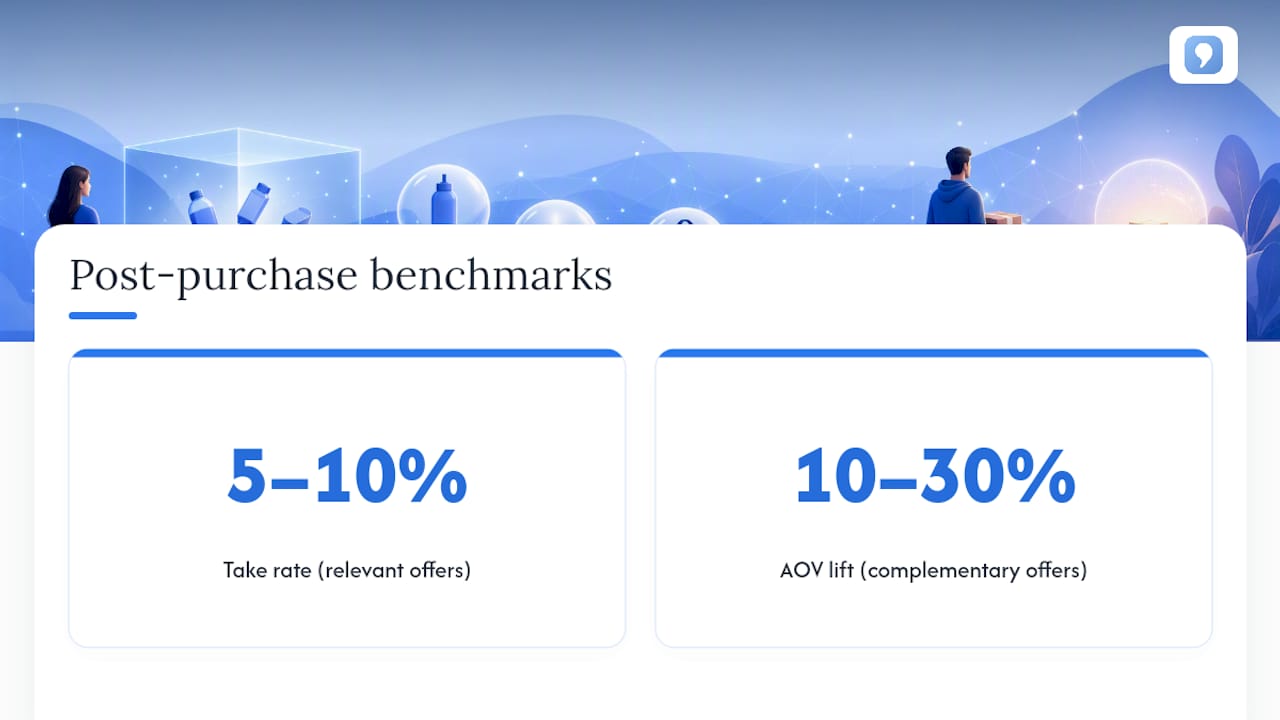
Relevant post-purchase offers typically achieve a 5 to 10 percent take rate and can increase average order value by 10 to 30 percent when well-matched.
Keep upsell offers under $50 or 20 to 40 percent of the order total to avoid buyer second-guessing and ensure a higher acceptance rate.
Offer only one clear add-on per product, and avoid multiple simultaneous offers or unrelated items that can confuse or frustrate customers.
Shopify’s technical rules require the buyer’s card to be vaulted and the order to come through specific channels for the offer to display correctly.
Measure success through key metrics such as take rate, average order value lift, and revenue per view, and test variables one at a time for optimal results.
Table of Contents
-
What is a post-purchase upsell, and when should you use one?
-
How do you set up a post-purchase upsell that actually converts?
-
What are Shopify’s technical rules for post-purchase upsells?
-
How do you measure whether your post-purchase offer is working?
-
What I’ve learned watching post-purchase flows succeed and fail
-
Run your post-purchase upsells without duct-taping five apps together
What is a post-purchase upsell, and when should you use one?
A post-purchase upsell appears immediately after a customer completes a transaction, on the thank-you or order confirmation page, and lets them add an item with a single tap because their card is already authorized. That’s different from post-sale upsell flows delivered through email or SMS days later, which suit higher-consideration products or subscription renewals where the buyer needs time to decide.
The best post-purchase offers fall into a handful of categories:
-
Accessories that pair naturally with the main purchase (a phone case with a phone, a charger with a camera)
-
Consumable subscriptions (refills, supplements, coffee pods)
-
Loyalty program sign-ups with an instant perk
-
Exclusive bundles not available anywhere else on the site
-
Charitable add-ons or donation prompts at checkout
Skip the tactic entirely for high-ticket purchases (furniture, electronics over a few hundred dollars) where buyers second-guess big spends, and for stores with fragile or manual fulfillment, where an extra SKU thrown into an order at the last second can break your packing process.
Why one-click offers convert better than you’d expect
Buyers who just finished checkout are in a state behavioral economists call momentum. They’ve already made the harder decision (committing to the purchase), so a small, related add is a much easier “yes” than the original purchase was. Removing the need to re-enter payment details removes the last bit of friction that kills most upsell attempts.
Take rates for relevant, low-cost post-purchase offers typically land between 5 and 10 percent, with average order value lifts of 10 to 30 percent when the offer is genuinely complementary, according to benchmark data from Cart-X.
The trade-off is reach. Only buyers who complete checkout see the offer, so total volume is smaller than a site-wide promotion. There’s also a modest risk of higher returns if the add-on wasn’t well matched to the original purchase. That risk drops sharply when the offer reflects what the customer actually wanted rather than whatever has the fattest margin.
How do you set up a post-purchase upsell that actually converts?
Getting this right isn’t complicated, but skipping steps is where most stores lose money on returns and abandoned trust. Work through this in order:
-
Map your catalog. For each of your top 10 to 20 sellers, identify one logical add-on. Resist the urge to offer three options. One clear “yes” beats a decision paralysis menu.
-
Set the price ceiling. Keep the upsell under roughly 20 to 40 percent of the original order value, or under $50, whichever is lower. Above that threshold, buyers start second-guessing a purchase they already made.
-
Decide on a discount. A 20 to 30 percent discount on the add-on item tends to move the take rate meaningfully without training buyers to expect discounts everywhere.
-
Design the offer card. One product, one image, one clear “Add to Order” button, and a visible “No thanks” link. Build mobile-first since most post-purchase traffic arrives on a phone.
-
Pick your platform or app. Choose whichever post-purchase extension or checkout app fits your stack, then confirm your inventory and fulfillment process can absorb an appended item without manual intervention.
-
Verify render conditions. Test that the offer actually displays under your specific payment and channel setup before you go live.
-
Launch small, then rotate. Run the offer for two to three weeks, then swap in a new product, price point, or piece of copy and compare results.
-
Segment where you can. New customers respond better to conservative, lower-priced offers, while repeat or high-value buyers can be shown subscriptions or bundles based on their purchase history.
Pro Tip: Run post-purchase surveys or quick NPS prompts on a subset of orders to find out what customers actually wanted to buy alongside their order. It’s cheaper than guessing, and it cuts down on returns from mismatched offers.
What are Shopify’s technical rules for post-purchase upsells?
Shopify’s checkout extension points only render a post-purchase offer when specific conditions are met, and missing any one of them is the most common reason merchants launch an offer that nobody ever sees.
-
The buyer’s card must be vaulted (authorized for a follow-up charge) at checkout, which rules out several payment methods entirely.
-
The order has to come through the Online Store sales channel. Point-of-sale and some third-party channel orders won’t trigger the extension.
-
Shopify holds fulfillment briefly while the post-purchase offer is presented; if the buyer closes the tab without responding, the hold lifts automatically after a set window, so your fulfillment partner needs to know this delay is normal, not a stuck order.
-
Digital-only orders and some local delivery orders are excluded from the extension entirely.
-
Shopify allows only one app to control the post-purchase offer at a time, so pick your primary tool deliberately and test it in a development store before flipping it live in production.
Run through this checklist before launch: request post-purchase extension access, confirm your chosen app in the Shopify admin, place a real test order in a dev store, and double check your fulfillment team knows about the brief hold window.
How do you measure whether your post-purchase offer is working?
Three numbers matter more than the rest. Take rate is the percentage of buyers shown the offer who accept it. AOV lift is the dollar increase in average order value attributable to accepted offers. Revenue per offer view divides total upsell revenue by total impressions, which is the cleanest single number for comparing two different offers head to head.
Watch these secondary signals too:
-
Offer view rate (are enough buyers even reaching the offer screen?)
-
Click-through rate on the offer card itself
-
Return or refund rate compared to orders without an upsell
-
Conversion rate broken out by customer segment (new vs. repeat)
Test one variable at a time, whether it’s price, product, or copy, and let each version run long enough to collect a meaningful sample before calling a winner. A take rate that’s healthy on paper, in the 5 to 10 percent range cited by Cart-X’s benchmark research, can still be a bad offer if the refund rate on those add-ons is climbing. Pause any offer immediately if refunds spike or if customer complaints start referencing the upsell specifically.
What I’ve learned watching post-purchase flows succeed and fail
The stores that get this wrong almost always make the same mistake: they offer something unrelated to the original purchase because it has better margin, or they stack two or three simultaneous offers and confuse the buyer at the worst possible moment. Fulfillment breakdowns are the other silent killer. Nobody coordinates with the warehouse team before turning the feature on, and suddenly appended items are shipping separately or not at all.
If you’re running a small store, start absurdly simple. Pick one product, one add-on, a 20 to 30 percent discount, and measure it weekly for a month before touching anything else. Once that single offer is stable and profitable, expand into multi-offer flows, subscription upsells, or segmented offers by customer value. Rushing to complexity before you’ve proven the basics is the fastest way to waste a good idea.
— FanBasis
Run your post-purchase upsells without duct-taping five apps together
Most stores end up stitching a checkout app, an upsell plugin, and a separate analytics tool together just to run one offer, and something breaks every time one of them updates. Commas keeps the whole flow in one account: checkout, offer logic, and reporting live in the same dashboard instead of three.
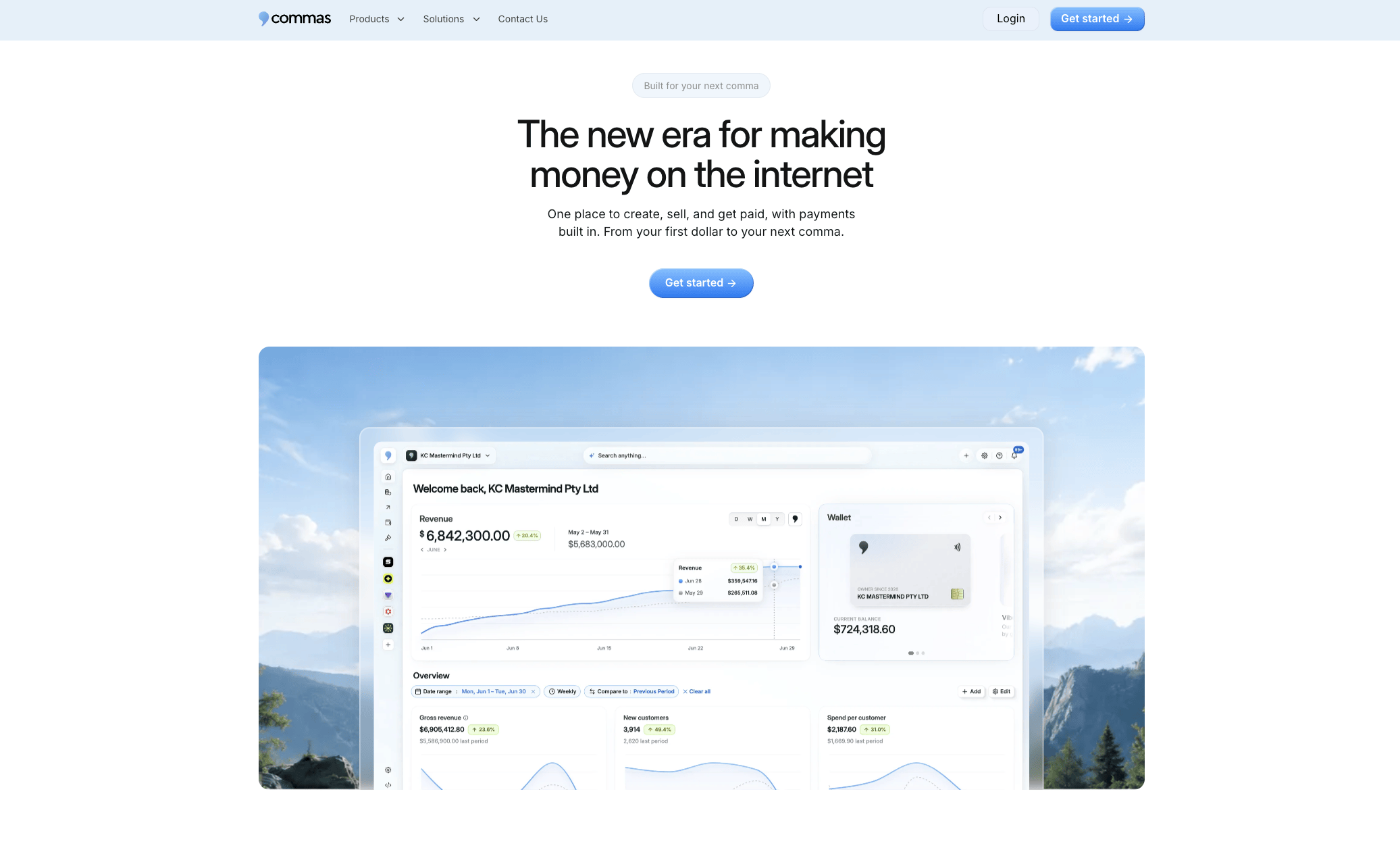
That matters most for the merchants this guide is written for:
-
Integrated checkout means the one-click, authorized-payment requirement behind every post-purchase offer is handled natively, not bolted on through a separate payments integration.
-
The AI-driven funnel builder applies proven offer patterns automatically, so testing a new price point or product doesn’t mean rebuilding a flow from scratch.
-
Built-in analytics track take rate and revenue per offer view without exporting data to a spreadsheet.
-
An affiliate system is available if you want partners driving traffic that later sees your post-purchase offers.
Course creators bundling a companion template, coaches offering a follow-up session, and merchants selling physical accessories all run this exact playbook inside Commas. If you’re ready to see how a unified checkout and funnel setup handles your own upsell flow, start exploring the platform and try it against your current setup.
Sources
For the technical details behind this guide, Shopify’s own developer documentation on post-purchase product offers covers extension render rules and fulfillment holds directly. Cart-X’s benchmark writeup is useful for take rate and AOV lift figures, and Yotpo’s best practices guide covers offer timing and relevance in more depth.