

Most affiliate programs settle on weekly, biweekly, or monthly payouts, with some adding a pay-on-threshold rule for smaller balances. For established sellers running $1,000 to $10,000 offers, the strongest combination is a fixed, predictable cadence layered with automated scheduled batches through CSV or API, so payouts stop depending on someone remembering to click a button.
TL;DR:
- Payout frequency should align with your sales volume, with monthly being most suitable for high-value offers and biweekly or weekly for faster turnaround.
- Hold periods should match or slightly exceed your refund window to prevent paying commissions on returned sales, especially for high-ticket programs.
- Automating scheduled payouts via CSV or API reduces manual work and helps prevent errors, especially when managing hundreds of affiliates.
- Full tax compliance requires collecting W-9 or W-8 forms upfront and setting clear rules for withholding or reporting, to avoid legal issues later.
- Using dedicated tools like Commas Affiliate Center streamlines referral tracking, payout automation, and reconciliation, minimizing manual spreadsheet management.
Table of Contents
- Common payout schedules and when to use each
- How payout timing is calculated
- Payout methods and automation options
- Reconciliation and reporting best practices
- Tax, documentation, and compliance essentials for payors
- Building an automated payout workflow that holds up
- What actually matters when you set this up
- How Commas can help you run payouts without the manual work
- Where to go for official guidance
- Sources
- FAQ
Common payout schedules and when to use each
The right cadence depends on how much cash moves through your program and how much manual work you can absorb.
- Weekly: best for high-volume programs where affiliates expect fast turnaround, but it multiplies accounting and reconciliation work.
- Biweekly: a middle ground that keeps affiliates satisfied while halving the administrative load compared to weekly runs.
- Monthly: the easiest to reconcile and the most common choice for programs selling $1,000 to $10,000 offers, since sales cycles and refund windows are often longer.
- Pay-on-threshold: holds commissions until an affiliate crosses a minimum balance, which cuts down on tiny, costly transactions but can frustrate lower-volume partners.
- On-demand: affiliates request payout manually, which works for small programs but creates unpredictable cash flow at scale.
Weekly and on-demand schedules expose you to more fraud risk because there is less time to catch refunds or chargebacks before money goes out. Monthly and pay-on-threshold cadences give your team room to verify sales before funds move, which matters more once average order values climb into four figures. For most programs selling high-ticket offers, monthly payouts with a modest threshold strike a workable balance between affiliate satisfaction and financial control.
How payout timing is calculated
Commission amounts and payout dates both flow from how your contract defines Net Sales. Contractual agreements typically define Net Sales for commission calculation, often excluding refunds, chargebacks, discounts, and processor fees, according to legal guidance on affiliate marketing compliance.
Hold or reserve periods exist because refunds and chargebacks do not always surface immediately. A typical sale moves through several stages before it becomes payable:
- The sale is recorded and the gross amount is logged.
- Refund, chargeback, and discount deductions are applied to calculate Net Sales.
- The commission is calculated against Net Sales per the contract terms.
- The commission enters a hold or reserve period, often tied to the platform's own refund window.
- Once the hold clears, the commission moves into the next scheduled payout batch.
Because Net Sales definitions vary by contract, drafting payout clauses that spell out deductions and hold periods up front prevents disputes later. Program managers should also decide, in writing, whether disputed transactions during a hold period pause the payout or simply get clawed back afterward.
Pro Tip: Set your hold period to match or slightly exceed your standard refund window, so commissions never go out on money that later gets returned.
Payout methods and automation options
Manual transfers still exist in small programs, but they do not scale past a handful of affiliates. Once a program grows, the practical choices are CSV batch uploads, scheduled recurring batches, and API-driven payouts triggered by your own systems.
- CSV batch upload: you export a file of amounts and recipients and the payment platform processes the batch in one run.
- Scheduled recurring batches: the platform runs payouts automatically on a set calendar, removing the need for someone to initiate each cycle.
- API-driven payouts: your own software triggers payments programmatically, useful when payout amounts depend on real-time sales data.
Mass-payout platforms typically offer CSV and API options alongside per-recipient routing across multiple rails, letting each affiliate get paid through the method that suits them, whether that is a bank transfer, ACH, SEPA, or an optional stablecoin rail. Automatic routing means you are not manually matching payment types to individual affiliates every cycle.
Automating retry logic and per-payee rail selection reduces failed payouts and lowers manual interventions, which matters once your affiliate count runs into the hundreds and even a small failure rate translates into real support tickets. When comparing tools, prioritize retry logic for failed payments, per-payee status reporting so you can see exactly who got paid and who did not, and currency handling that avoids manual conversion math for international affiliates.
Reconciliation and reporting best practices
Clean reconciliation depends on having the right exports on hand before month end, not scrambling to rebuild them afterward.
- Batch CSVs: a record of every payout run, including amounts, dates, and recipients.
- Per-payee ledger: running totals for each affiliate across all periods.
- Refund and adjustment logs: documentation of any deductions applied after a commission was calculated.
- Status reports: confirmation of which payments succeeded, failed, or are pending retry.
| Report type | What it shows | When you need it |
|---|---|---|
| Batch CSV | Every payout in a given run | Each pay cycle |
| Per-payee ledger | Cumulative totals per affiliate | Monthly close and disputes |
| Refund and adjustment log | Deductions applied after calculation | Ongoing, tied to hold periods |
| Status report | Success, failure, and retry status | Immediately after each batch |
For failed payouts, set an automatic retry rule rather than requiring manual follow-up, and flag anything that fails twice for human review. Structuring your per-payee ledger with year-to-date totals from day one makes 1099 preparation a matter of exporting a number instead of reconstructing twelve months of scattered records.
Tax, documentation, and compliance essentials for payors
Collecting the right forms before the first payout saves far more time than chasing them down later.
- Collect a W-9 from US affiliates and a W-8 from foreign affiliates before releasing any payment.
- Verify the taxpayer identification number through TIN matching to catch mismatches before they become filing problems, a service the IRS makes available to payors, per the IRS Instructions for the Requester of Form W-9.
- Use Form 1099-NEC for nonemployee compensation to affiliates, following the thresholds and boxes described in the IRS instructions for Forms 1099-MISC and 1099-NEC.
- Apply backup withholding when a payee fails to provide a correct TIN or the IRS instructs you to withhold.
Backup withholding can require payors to withhold tax at a 24% rate when TIN issues go uncorrected, according to the IRS backup withholding guidance, which also outlines how a payer resolves the issue and stops withholding. Retain W-9 and W-8 records for as long as your tax counsel recommends, and treat cross-border payments or unusual affiliate structures as a reason to get specific advice rather than guessing.
Building an automated payout workflow that holds up
A workable rollout follows a fixed sequence rather than being assembled ad hoc.
- Define your payout cadence and write out your Net Sales rules in the contract.
- Collect W-9 or W-8 forms and verify TINs before anyone is eligible for payment.
- Choose your payout methods and the rails you will support per region.
- Configure the schedule or API triggers that will run each cycle.
- Test a small batch run before committing to full volume.
- Reconcile the batch against your ledger and close out the cycle.
Webhook events that fire on payout success, failure, or retry let your systems update affiliate-facing dashboards without manual checking. Standardized CSV templates cut down on formatting errors when uploading large batches, and per-recipient routing rules mean you configure rail preferences once instead of every cycle.
Pro Tip: Run a test batch with two or three real affiliates before your first full payout cycle. It surfaces formatting and TIN issues while the stakes are still small.

An affiliate center handles the scheduling and commission tracking side of this workflow, while payment modules and their exports cover the reconciliation piece described above.
What actually matters when you set this up
If you take one thing from this, automate the schedule first and worry about optimizing cadence later. A monthly or biweekly payout run that fires automatically beats a theoretically perfect weekly schedule that someone has to remember to trigger. Require tax documentation before the first payout, not after, and keep a modest hold period tied to your refund window. Get those three things right and most of the manual work and cash flow surprises disappear on their own.
— FanBasis
How Commas can help you run payouts without the manual work
Commas Affiliate Center is built for exactly this: tracking referrals, approving commissions, and running scheduled payouts without you managing spreadsheets by hand.
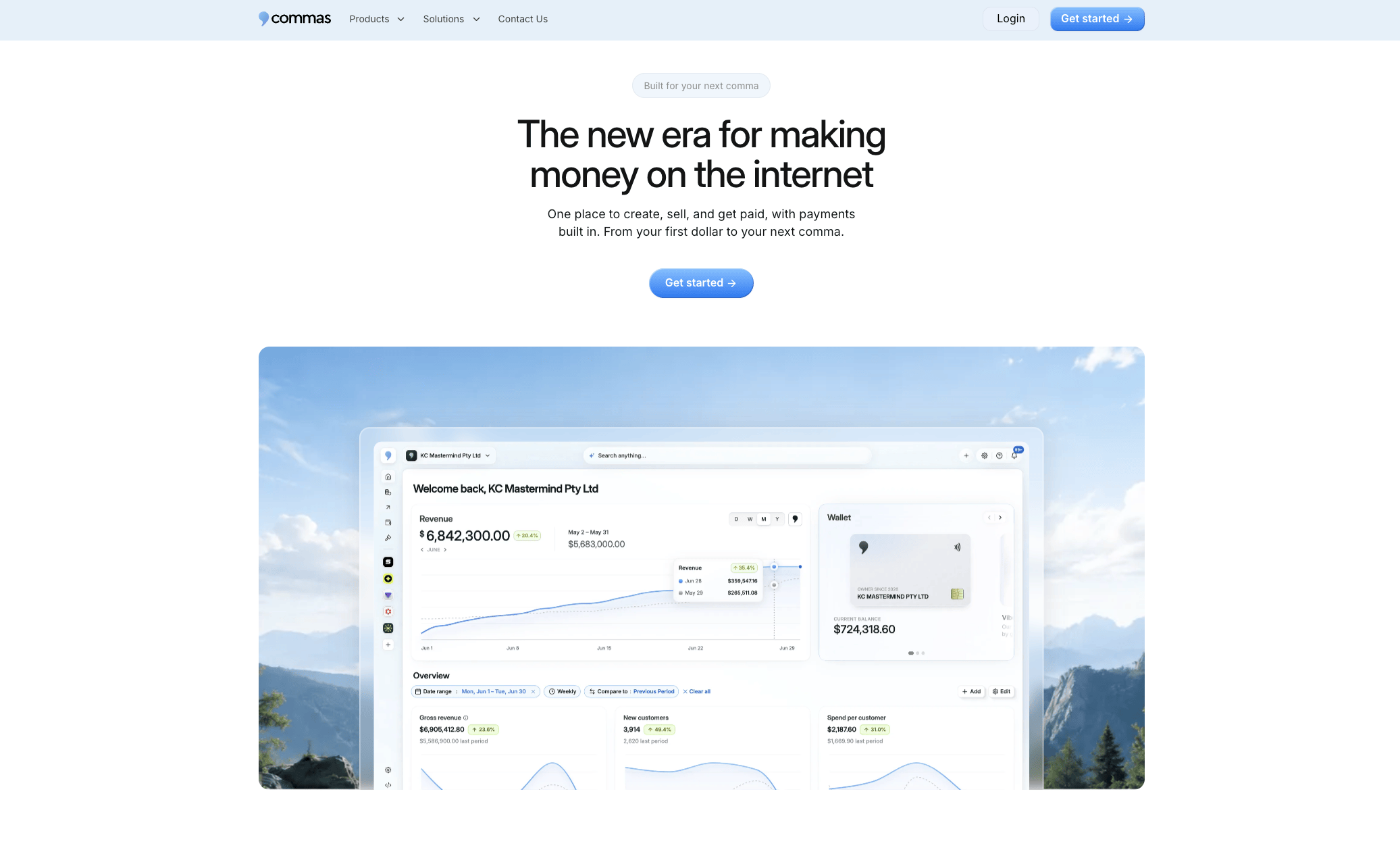
- Monitor affiliate referrals and approve commissions from one dashboard.
- Schedule recurring payout batches instead of triggering them manually each cycle.
- Export CSV and reconciliation reports through Commas Payments for clean monthly close.
If your program is outgrowing manual payouts, visit the Commas Affiliate Center page to see how it fits your current setup.
Where to go for official guidance
For the legal and tax details that carry real consequences, go to the primary sources rather than a summary.
- The FTC's endorsement guidance covers disclosure requirements for affiliates promoting paid partnerships.
- The IRS instructions for Forms 1099-MISC and 1099-NEC explain reporting thresholds for affiliate payments.
- The IRS backup withholding page details when and how withholding applies.
Consult tax counsel for cross-border payouts or other edge cases these documents do not fully resolve.
Sources
- FTC's Endorsement Guides: What People Are Asking
- Instructions for Forms 1099-MISC and 1099-NEC (Rev. December 2026)
- Backup withholding | Internal Revenue Service
FAQ
What is a payout schedule?
A payout schedule is the fixed calendar or set of rules that determines when affiliates receive their earned commissions, such as weekly, biweekly, monthly, or once a balance crosses a set threshold. Programs choose a cadence based on cash flow needs, accounting workload, and how quickly affiliates expect to be paid.
When do affiliates get paid after a sale?
Affiliates typically get paid after a sale clears any refund or chargeback hold period and the commission is calculated against Net Sales rather than the gross sale amount. The exact timing depends on the program's contract terms and its chosen payout cadence.
How do reserve or hold periods affect payout timing?
A hold or reserve period delays payout until the platform's refund window has passed, which protects the payor from paying commission on sales that later get refunded or disputed. Programs commonly set the hold period to match their standard refund window before releasing funds into the next payout batch.
When do I need to send a 1099 to an affiliate?
Payors generally use Form 1099-NEC to report nonemployee compensation to affiliates once payments meet the thresholds described in the IRS instructions for Forms 1099-MISC and 1099-NEC. Collecting a W-9 or W-8 before the first payout makes this reporting straightforward at year end.
How can I automate affiliate payouts instead of paying manually?
Automating payouts means using scheduled recurring batches or API-driven triggers instead of processing each payment by hand, which cuts down on missed cycles and manual errors. Tools like Commas Affiliate Center handle commission tracking and scheduled payouts, while CSV exports support reconciliation on the back end.