

One-click checkout lets a returning customer buy something with a single confirmation tap, using payment and shipping details the store already has on file. It’s the fastest path from “add to cart” to “order confirmed” that exists in ecommerce today. It works best for repeat purchases under a few hundred dollars, mobile browsing, and subscription reorders; it’s a poor fit for high-ticket, custom, or age-restricted items that need a slower, more deliberate checkout.
TL;DR:
One-click checkout is most effective for low- to mid-range purchases, repeat customers, and mobile shopping; it is less suitable for high-value or customized orders.
Security relies on tokenization and proper authentication methods, with best practices requiring transparent data flow diagrams and layered fraud protection.
Measuring its success involves tracking conversion, abandonment, and repeat purchase rates through controlled experiments rather than simple before-and-after comparisons.
Implementation options include hosted wallet buttons, processor-stored tokens, or full in-house credential management, each with different setup complexity and PCI scope.
For merchants with a significant share of repeat buyers and low to mid-range order values, rapid rollout with proper testing can boost sales and reduce cart abandonment.
Table of Contents
-
How to Implement One-Click Checkout: A Step-by-Step Checklist
-
Practical Examples: Where One-Click Checkout Fits Creator Businesses
-
A Decision Checklist Before You Prioritize One-Click Checkout
What Does One-Click Checkout Look Like in Practice?
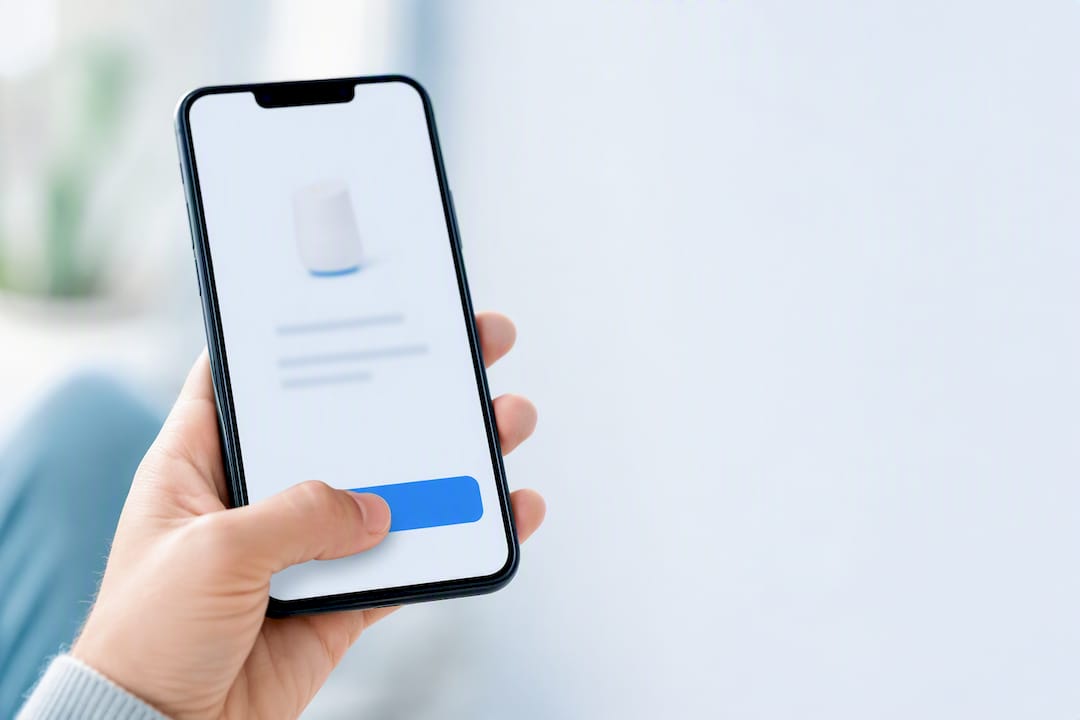
The customer flow is almost anticlimactic in its simplicity: a shopper who has already saved a card and address sees a button, taps it, and gets an order confirmation. No form fields, no re-typing a CVV, no address autofill glitches. The heavy lifting happens before that moment, when the store or wallet provider stores the payment method securely and links it to the customer’s account or device.
The name traces back to Amazon, which patented the 1-Click ordering method in 1999 and used it as a genuine competitive moat for over a decade. Once Amazon’s patent expired, the pattern became public property, and checkout providers built their own versions almost immediately. Wikipedia’s history of the feature notes Apple even licensed the original patent for years before that expiration opened the floodgates.
What you’ll see in the wild today breaks into a few variations:
-
Account-bound flows: the customer is logged into your store and has one saved payment method, similar to Amazon’s original model.
-
Guest wallets: services like Click to Pay let a shopper check out fast without ever creating an account, using card network tokenization instead.
-
Reusable cross-merchant methods: tools such as Stripe’s Link let a saved payment method follow a customer across different stores that use the same processor.
-
Hosted buttons: a payment button (Apple Pay, Google Pay) that skips your checkout form entirely and hands the transaction to the wallet’s own interface.
Worth noting: PayPal’s own explainer points out that “one click” often means “fewer clicks” rather than literally one, since a confirmation step usually stays in place for security.
How One-Click Checkout Works Technically
Nothing about one-click checkout eliminates security steps behind the scenes. It just moves them earlier, into a setup phase the customer only deals with once.
The core mechanism is tokenization. When a customer enters their card the first time, the payment processor doesn’t store the raw card number on your servers. It replaces it with a token, a scrambled reference that’s useless outside that specific merchant/processor relationship. Stripe’s explanation of one-click checkout describes this as the mechanism that lets returning customers skip re-entry without your business ever holding sensitive card data directly.
From there, three architectural choices shape your integration:
-
Hosted UI: the processor’s own checkout page or widget handles the card capture and token creation, and you embed it as an iframe or redirect.
-
Embedded elements: you build the checkout page yourself but drop in processor-hosted input fields, keeping your branding while the card data still routes directly to the processor.
-
Full redirect: the customer leaves your site entirely for a hosted payment page (typical with some wallet integrations), then returns after payment.
Authentication is the layer most owners underweight. SMS one-time passcodes were the default for years, but Mastercard’s Click to Pay now leans on passkeys and biometric confirmation, which cut friction while arguably improving fraud resistance over a code typed into a text field.
Pro Tip: Ask any payment processor you’re evaluating for a data flow diagram before you sign a contract. If they can’t produce one showing exactly where card data touches your servers versus theirs, that’s a sign your PCI scope is bigger than they’re telling you.
What Business Benefits Come From One-Click Checkout?
The case for one-click checkout is a conversion case first and a convenience case second. Every additional field or click in checkout is a chance for a customer to reconsider, get distracted, or abandon the cart outright.
-
Conversion lift: removing form friction consistently reduces the number of people who bail between “add to cart” and “order placed.”
-
Lower cart abandonment: shorter checkout means fewer moments where a shopper stops to find a wallet, dig up a card, or second-guess the purchase.
-
Mobile uplift: typing a 16-digit card number on a phone keyboard is genuinely unpleasant, and one-click flows remove that step entirely.
-
More impulse purchases: when the barrier between “I want this” and “I bought this” drops to a single tap, purchase decisions that would otherwise cool off get captured instead.
-
Repeat purchase habit: customers who buy once with saved credentials are more likely to come back, since the second purchase is even easier than the first.
The mobile math matters here. Statista’s tracking of mobile commerce shows mobile’s share of retail ecommerce sales has kept climbing worldwide, which means checkout friction on a phone screen costs you more today than it did five years ago.
To estimate your own upside, look at your current mobile abandonment rate versus desktop. If mobile abandons at a meaningfully higher rate, that gap is roughly your addressable opportunity from a faster mobile checkout flow.
When Should You Avoid One-Click Checkout?
Speed isn’t always the goal. Some purchases benefit from friction, and stripping it out can create real problems.
-
High-value purchases: a high-value order deserves a confirmation screen and, often, a second authentication step. Customers expect it, and skipping it invites disputes.
-
Customizable products: anything requiring size selection, engraving, color choices, or shipping-address decisions doesn’t fit a single-click flow. You need at least one screen for those inputs.
-
Age-restricted or regulated goods: alcohol, vaping products, and similar categories often carry legal requirements for age verification that a single tap can’t satisfy on its own.
-
Fraud-prone verticals: digital gift cards, electronics, and event tickets see disproportionate fraud activity, and a frictionless checkout can accelerate losses instead of just accelerating sales.
-
Complex shipping: multi-address orders, split shipments, or freight-dependent items need a step where the customer actively confirms delivery details.
The pattern across all five: whenever a purchase needs a decision, a legal check, or extra data, one-click checkout should hand off to a short secondary flow rather than force everything into a single tap.
How to Implement One-Click Checkout: A Step-by-Step Checklist
Three broad implementation paths cover most stores, and the right one depends on how much control you want versus how fast you want to launch.
-
Hosted wallet buttons (Apple Pay, Google Pay, Click to Pay): fastest to implement, lowest PCI burden, but you’re limited to the wallet’s UI and rules.
-
Reusable vault through your processor: your payment processor stores the token and handles authentication, giving you more design control while still keeping raw card data off your servers.
-
First-party vault: you build and manage the credential storage yourself. This gives maximum flexibility but pulls you deeper into PCI scope and ongoing security maintenance, and most stores don’t need it.
A workable rollout checklist looks like this:
-
Scope the use case: decide which products and customer segments actually qualify (repeat buyers, low to mid ticket, no customization).
-
Select your method: pick hosted wallet, processor vault, or first-party vault based on your team’s technical bandwidth.
-
Build the integration: wire up the SDK or API, test token creation, and confirm the confirmation screen displays the right order summary.
-
Configure authentication: decide where OTP, passkey, or biometric checks sit in the flow, and don’t skip this to save a step.
-
QA across devices: test on real phones, not just simulators, since biometric and wallet behavior varies by device and browser.
-
Staged launch: roll out to a percentage of eligible customers before flipping it on for everyone.
For button copy, avoid vague language like “Buy” alone. “Buy now with saved card” or naming the wallet directly (“Pay with Apple Pay”) sets clear expectations. Your confirmation screen should always restate the amount and shipping address, even in a one-click flow, so nobody feels ambushed by their own tap.
Pro Tip: Build your edge-case test list before writing a line of checkout code: expired saved cards, declined transactions, a browser that doesn’t support the wallet, and a customer switching devices mid-session. These four scenarios cause the majority of one-click support tickets.
What Security and Compliance Steps Are Required?
Tokenization does the heaviest lifting here. Because the token that represents a saved card is worthless outside your specific processor relationship, a data breach on your end doesn’t hand attackers usable card numbers. That’s also what shrinks your compliance burden: working with a PCI DSS certified processor means much of the cardholder-data handling responsibility sits with them, not you, as long as you never touch raw card data directly on your own servers.
A few practices matter beyond tokenization itself:
-
Layer authentication appropriately: SMS OTP is acceptable for lower-risk transactions; passkeys or biometrics are stronger and increasingly expected for anything higher-value.
-
Run fraud scoring on every transaction, not just new customers. Saved-payment abuse (a stolen account making repeat one-click purchases) is a real pattern.
-
Notify customers of every one-click purchase immediately by email or push notification, so unauthorized activity gets caught fast.
-
Store only what you need: minimal PII, clear opt-in language when a customer saves a payment method, and an easy way to remove saved cards from their account settings.
None of this is optional if you want a one-click flow customers actually trust with their card.
How Do You Measure the Impact of One-Click Checkout?
Numbers, not instinct, should decide whether your one-click flow stays live. Track conversion rate, cart abandonment rate, time-to-purchase, average order value, and repeat-purchase rate before and after launch, and watch AOV specifically for signs that faster checkout is quietly encouraging smaller, more impulsive orders.
-
Design the test: run a genuine control group against the one-click flow rather than comparing before/after periods, since seasonality skews raw comparisons.
-
Segment by cohort: new customers, repeat customers, and mobile versus desktop shoppers often respond very differently.
-
Roll out gradually: start at 10 to 20% of eligible traffic, watch for a full order cycle, then expand.
-
Set rollback triggers in advance: a spike in chargebacks or fraud flags should trigger an automatic pause, not a debate.
Stripe notes that structured A/B testing and cohort rollouts remain the most reliable way to separate real conversion gains from noise, and to catch harmful side effects like fraud upticks before they scale.
Practical Examples: Where One-Click Checkout Fits Creator Businesses
Course creators, coaches, and community owners run into a version of this problem constantly: a webinar attendee gets excited during a pitch, and every extra checkout field is a chance for that excitement to fade before payment lands. Combining payments, funnel pages, and the webinar room itself into a single system removes the handoffs between tools that usually cause that drop-off. Commas builds one-click and saved-payment flows directly into its checkout, and its AI-assisted funnel tool applies conversion patterns learned across many funnels rather than leaving that optimization to guesswork. For affiliate-driven sales, coaching offers, and course launches, that integration turns a moment of buyer enthusiasm into a completed sale before it cools.

A Decision Checklist Before You Prioritize One-Click Checkout
Before building anything, run your product catalog through four questions: What percentage of your revenue comes from repeat buyers? What’s your average order value, and does it sit comfortably under a few hundred dollars? Does your fraud rate justify extra authentication? Does your product need customization or age verification at checkout?
If repeat purchases make up a meaningful share of revenue and your AOV sits in low to mid range, move fast, loop in your payments partner and a developer early, and skip legal only if you’re confident no regulated products are involved. If you’re unsure, involve legal before writing code, not after a chargeback dispute forces the question.
Test small, measure honestly, and expand once the data backs you up.
— FanBasis
Add One-Click Checkout to Your Sales Funnel With Commas
Most ecommerce owners piece together a payment processor, a funnel builder, and a separate webinar or course tool, then spend months getting them to talk to each other. Commas skips that entirely: payments, saved-card checkout, and funnel building live in one account, so a one-click flow you set up once carries across every product page, webinar, and upsell without re-integrating anything.
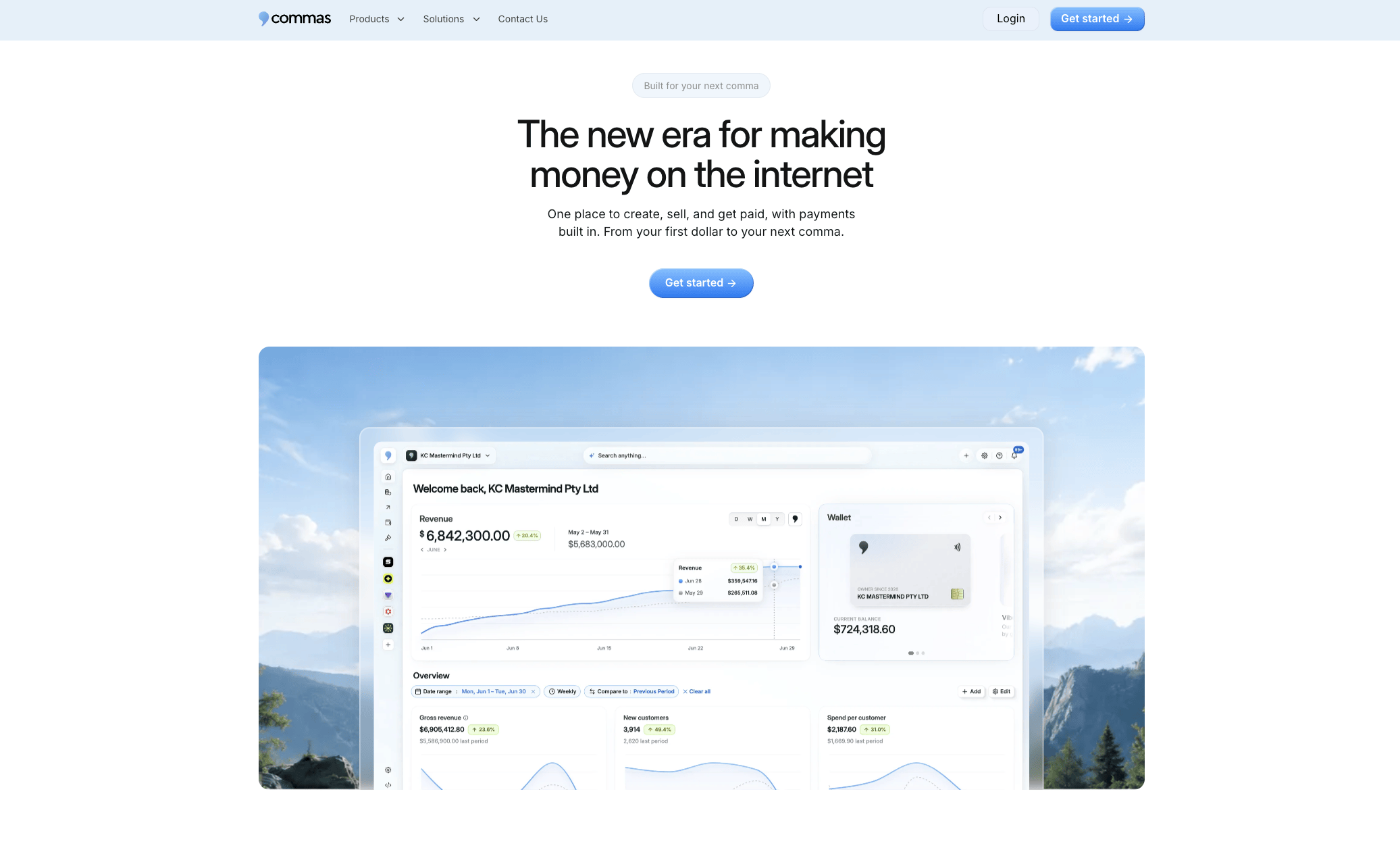
The platform’s Vibe Funnels builder applies AI-driven layout and offer patterns to push more traffic into that one-click flow instead of stalling on a slow checkout page. If you sell through partners, the built-in affiliate system tracks and pays commissions on those one-click sales automatically, so growth through referrals doesn’t mean extra manual reconciliation work. Whether you’re running webinars, coaching, or course sales, the checkout and funnel logic are already connected. Start a free trial at Commas and get your one-click checkout live on your next funnel this week.
Sources
For technical detail beyond this guide, Stripe’s one-click checkout explainer covers implementation basics, and Mastercard’s Click to Pay page details network-level tokenization and passkey authentication. Review the PCI Security Standards Council directly for compliance requirements, and Wikipedia’s 1-Click history for background on how the pattern spread industry-wide.