
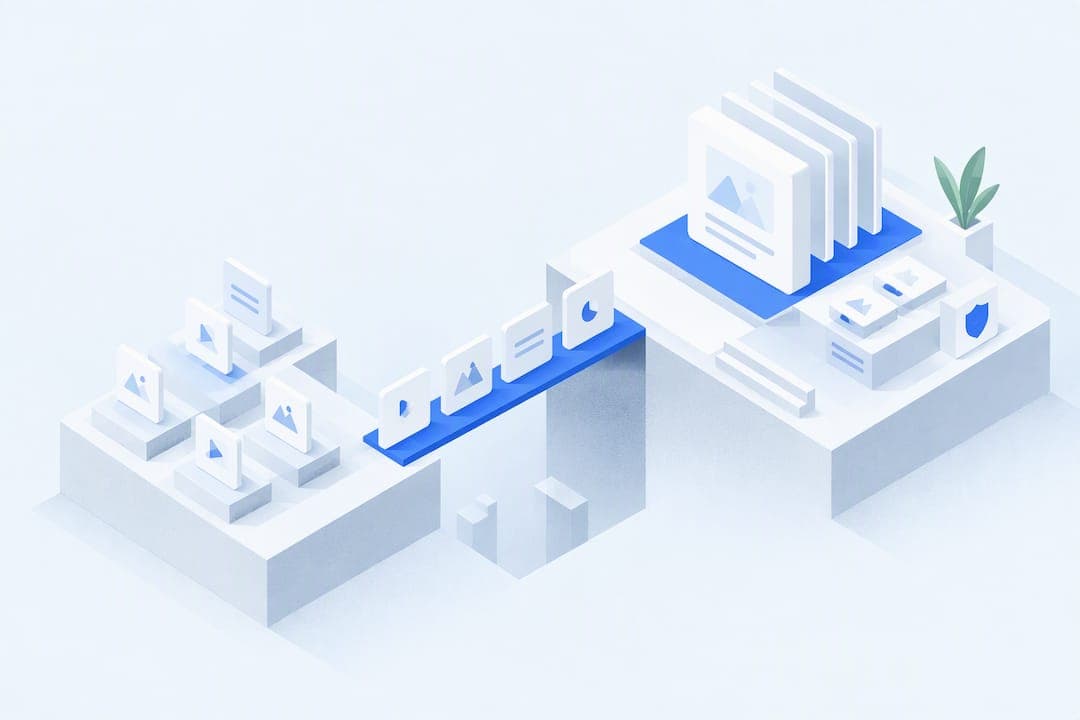
A safe move off Teachable follows one sequence: inventory everything, back it up, rebuild your courses and offers on the new platform, reconnect payments, run real test purchases, then import students in small batches before you touch your domain. Payment and enrollment steps carry the most risk, so test them before any DNS switch. Budget real hours for this, and bring in outside help if your catalog or subscriber base is large.
TL;DR:
- Payment and enrollment steps are the most prone to errors, so they must be tested thoroughly before switching your domain or DNS.
- Import small batches of students first and verify their access on both desktop and mobile to prevent unnoticed issues affecting your entire base.
- Rebuilding courses requires mapping lesson order, drip schedules, and URLs carefully to avoid content drift and search visibility loss.
- Reconcile all payment, subscription, and webhook configurations with thorough testing, including low-value transactions and upsell flows.
- Using a platform like Commas, which consolidates payments, funnels, and courses in one account, can reduce migration errors but still requires careful planning and testing.
Table of Contents
- Migration sequence and timeline at a glance
- Inventory and backup: what to export, how, and why
- Rebuild courses and offers on the destination platform
- Payments, subscriptions and checkout verification
- Student import, login, and access verification
- Reconnecting integrations and automations
- Common pitfalls, monitoring, and rollback triggers
- What a unified platform changes about this process
- When to DIY versus hire migration help
- Getting started with Commas for your migration
- FAQ
- Sources
Migration sequence and timeline at a glance
A Teachable migration is really eight decision points strung together, and skipping the order is how sellers end up with broken checkout links or students locked out of content they already paid for. The recommended sequence treats payments and enrollment as the last things you touch, not the first, because errors there hit people who already gave you money.
Here is the order that keeps risk low:
- Inventory every course, lesson, media file, offer, student record, email sequence, and integration.
- Back up all assets and records, including original media files outside the platform.
- Rebuild courses, pricing, and offers on the destination platform.
- Reconnect and configure payment accounts.
- Run a real test purchase, including upsells and subscriptions.
- Import students in small batches, not all at once.
- Test access as a learner on desktop and mobile.
- Switch your domain or DNS only after everything above checks out.
A single course with modest media can often move in a focused work session, while a multi-course catalog with subscriptions, affiliates, and third-party integrations takes longer and benefits from spreading the work across several days with buffer time built in. Before you start, freeze new sales for a defined window, tell existing customers what to expect, and write down exactly how you would reverse each step if something breaks. That rollback window matters more than almost anything else in the plan, because it is the difference between a quiet fix and a public mess.
Inventory and backup: what to export, how, and why
Nothing gets rebuilt accurately if you never wrote down what you had. Before you touch the new platform, build a spreadsheet that captures every course by title, and under each title list every module, lesson, video or PDF, file location, drip release rule, quiz, certificate, and attachment. This becomes your rebuild map later, and it is also the only reliable way to catch a missing lesson before a student does.
Student data needs its own export, separate from course content:
- Full names, emails, and enrollment dates for every active and past student.
- Purchase IDs, subscription status, and payment history tied to each account.
- Coupon codes used, custom fields, and any tags you rely on for segmentation.
- Affiliate relationships and payout history if you run an affiliate program.
- Support tickets or notes that affect access, like refunds or manual overrides.
Platform exports sometimes compress video files or strip metadata, so back up the original source files you used to build each lesson, not just what Teachable hands you on export. Keep a redundant copy offline, on an external drive or a separate cloud account, so a single failed download does not cost you a course. Pull tax and compliance reports and affiliate payout histories while you still have easy access, since these get harder to reconstruct later.
Pro Tip: Name your backup folders by course and date, then open every video file once before you consider the backup complete. A corrupted file you discover during rebuild costs far less than one you discover after launch.
Rebuild courses and offers on the destination platform
Rebuilding is where content drift creeps in silently. A lesson that was third in sequence on Teachable ends up fifth on the new platform, a drip rule resets, or a prerequisite quietly disappears. The fix is mechanical: map the old structure to the new one in a spreadsheet before you upload a single file.
- List every course's lesson order, drip schedule, and prerequisite rules in a CSV, then assign each row its destination location.
- Recreate product and sales pages, matching headlines, pricing copy, and any testimonials you are permitted to reuse.
- Map old lesson and sales page URLs to their new equivalents so you can set up redirects later, preserving any search visibility those pages built in your site migration SEO strategy.
- Rebuild pricing exactly as it existed: one-time payments, payment plans, and subscriptions each need separate setup and testing.
- Recreate coupons, bundles, and affiliate commission structures, checking that percentages and expiration dates match the originals.
- Document any feature that does not have a direct equivalent on the new platform, along with the temporary workaround you are using.
That last step matters more than it sounds. Every platform handles something differently, whether it is how certificates trigger or how a bundle discount stacks, and writing down the gap now saves a confused support conversation later. If you are rebuilding on a platform that combines course delivery with community features, like Commas Studios, you may find some of this mapping simplifies because fewer separate tools need to sync with each other. Either way, do not rush this phase: a course that looks right but plays lessons out of order is worse than a course that is visibly incomplete, because the problem hides until a student complains.
Payments, subscriptions and checkout verification
This is the phase where mistakes cost money, not just time. A broken webhook can mean a successful charge that never grants access, or a canceled subscription that keeps billing. Treat payment setup as its own project with its own checklist, separate from content rebuild.
- Connect your new payment account and confirm it matches the business entity and bank details you intend to use going forward.
- Validate every webhook endpoint: purchase confirmation, subscription renewal, cancellation, and refund events should all fire and get logged.
- Map tax collection rules to match what you charged on Teachable, especially if you sell across multiple regions.
- Confirm receipts and invoices generate correctly and match your bookkeeping format.
- Test coupon and bundle pricing at checkout to confirm the final charge matches what the product page promises.
Payment and enrollment steps are the highest-risk part of any migration, since a checkout error can break subscriptions, upsells, webhooks, revenue tracking, or student access all at once, often without an obvious error message to warn you.
Run tests in a fixed order: start in sandbox mode if your new platform supports it, then make one real low-value purchase with your own card, then test an upsell flow and a subscription signup separately. Reconcile every test transaction against what you expected to see charged, refunded, or logged before you consider payments verified. For subscription continuity, plan for card-update workflows in advance: some processors let you migrate stored payment methods, others require you to ask customers to re-enter card details, which means a direct email explaining why and exactly what to do. Build in a manual reconciliation step for the first billing cycle after cutover to catch any subscription that silently lapsed instead of renewing.
Student import, login, and access verification
Importing students is the step most likely to go wrong quietly, because errors do not show up until someone tries to log in and cannot. The fix is the same principle as the rest of this plan: small batches, verified before you scale up.
- Build your import CSV with required fields: name, email, enrollment date, course or subscription assigned, and any custom attributes like tags or cohort.
- Map enrollment dates accurately so progress tracking and completion certificates reflect when a student actually started, not the migration date.
- Import a small batch first, ten to twenty students, and manually verify their access before importing the rest.
- Log in as a test student on both desktop and mobile to confirm lessons play, progress saves, quizzes grade correctly, and certificates trigger at completion.
- Once the test batch checks out, import the remaining students in staged batches rather than all at once, watching for errors between each batch.
Communication carries as much weight as the technical steps here. Have templates ready before you import anyone: an invitation email explaining the new login process, a password reset guide, and a short support message students can use if they hit a snag. Clear, proactive instructions reduce confusion and keep your inbox from filling with the same question fifty times. Importing in small batches also means that if something does go wrong, you are fixing it for twenty people instead of two thousand.
Reconnecting integrations and automations
Your course platform rarely works alone. Email sequences, webhook-triggered automations, and analytics all need to be remapped, and this is easy to treat as an afterthought when you are focused on courses and payments.
Start with an inventory of every active integration: your email provider, any Zapier or Make automations, your analytics setup, and your ad pixels. For each one, identify whether the new platform has a native connector or whether you need to rebuild the connection through an API or a different automation tool.
- Send test payloads through every webhook and confirm the receiving tool logs purchase, renewal, cancellation, and completion events correctly.
- Reattach UTM parameters and pixel placements so campaign attribution does not reset to zero on launch day.
- Confirm revenue goals in your analytics tool match what your payment processor reports for the same test transactions.
Pro Tip: Run your automation tests the same week as your payment tests, since a webhook failure often looks like a payment failure until you trace it back to the source.
Plan a short reconciliation window after launch, comparing pre- and post-migration numbers for the same metrics, so a quiet tracking gap does not go unnoticed for weeks.
Common pitfalls, monitoring, and rollback triggers
Most migration problems fall into a handful of repeatable categories: broken checkout links, missing or corrupted media, students who cannot log in, and emails landing in spam instead of inboxes. Each has a fast diagnostic.
- Broken checkout: place a real test order immediately after launch, not just a sandbox transaction.
- Missing media: spot-check three lessons per course at random, not just the first one.
- Access errors: log in as a test student and confirm progress tracking survived the import.
- Email deliverability: send a test invite to multiple providers, including Gmail and a corporate domain, and check spam folders.
For the first 72 hours after cutover, watch four things closely: incoming sales, subscription renewal health, support ticket volume, and any server or checkout error logs. A spike in any one of these is your signal to investigate immediately rather than waiting for a pattern to confirm itself.
Set rollback triggers before launch, not after something breaks. Define in advance what level of checkout failure or access complaint means you revert DNS and pause new enrollments while you fix the underlying issue. A documented rollback plan turns a crisis into a checklist, which is the entire point of having one ready before you need it.
What a unified platform changes about this process
Every integration point in a migration is a place where something can break: a separate payment processor, a separate email tool, a separate community platform, each with its own login, its own webhook format, and its own export quirks. We built Commas around the idea that the fewer systems you have to reconnect, the fewer places a migration can fail.
On Commas, payments and sales funnels sit in the same account as course delivery and community management, so moving a course does not also mean separately migrating your checkout, your membership area, and your community forum. We use AI to help structure and optimize funnels and conversion flows as part of that same account, rather than as a bolted-on tool that needs its own data sync. For sellers running coaching programs alongside courses, coaching and Commas Studios are built for the combined course-and-community model that many $1,000 to $10,000 offers actually use, instead of treating them as separate products that happen to be sold together.
That structure does not eliminate the work described above. You still inventory, back up, rebuild, and test. It does mean fewer handoffs between systems during that process, which is where migration errors most often start.

When to DIY versus hire migration help
A straightforward catalog with a handful of courses and simple one-time pricing is usually a reasonable DIY project if you can set aside focused, uninterrupted time. The calculation changes once you have a large student base, active subscriptions with complex billing rules, or several webhook-dependent integrations, because the cost of a mistake scales with how many people and how much revenue touch each step.
A specialist worth paying should hand you a written field mapping, a documented test plan covering payments and access, a planned DNS cutover window, and a post-launch reconciliation report comparing before-and-after numbers. Before hiring anyone, ask for a reference migration they have completed, a sample of their test checklist, and their specific rollback process if something goes wrong during cutover.
— FanBasis
Getting started with Commas for your migration
If you are weighing a move off Teachable, the practical question is how much separate tooling you want to keep managing afterward. We offer integrated checkout through Commas Payments, funnel building through Vibe Funnels, combined course and community delivery through Commas Studios, and webinar and affiliate support through our affiliate center, all inside one account.
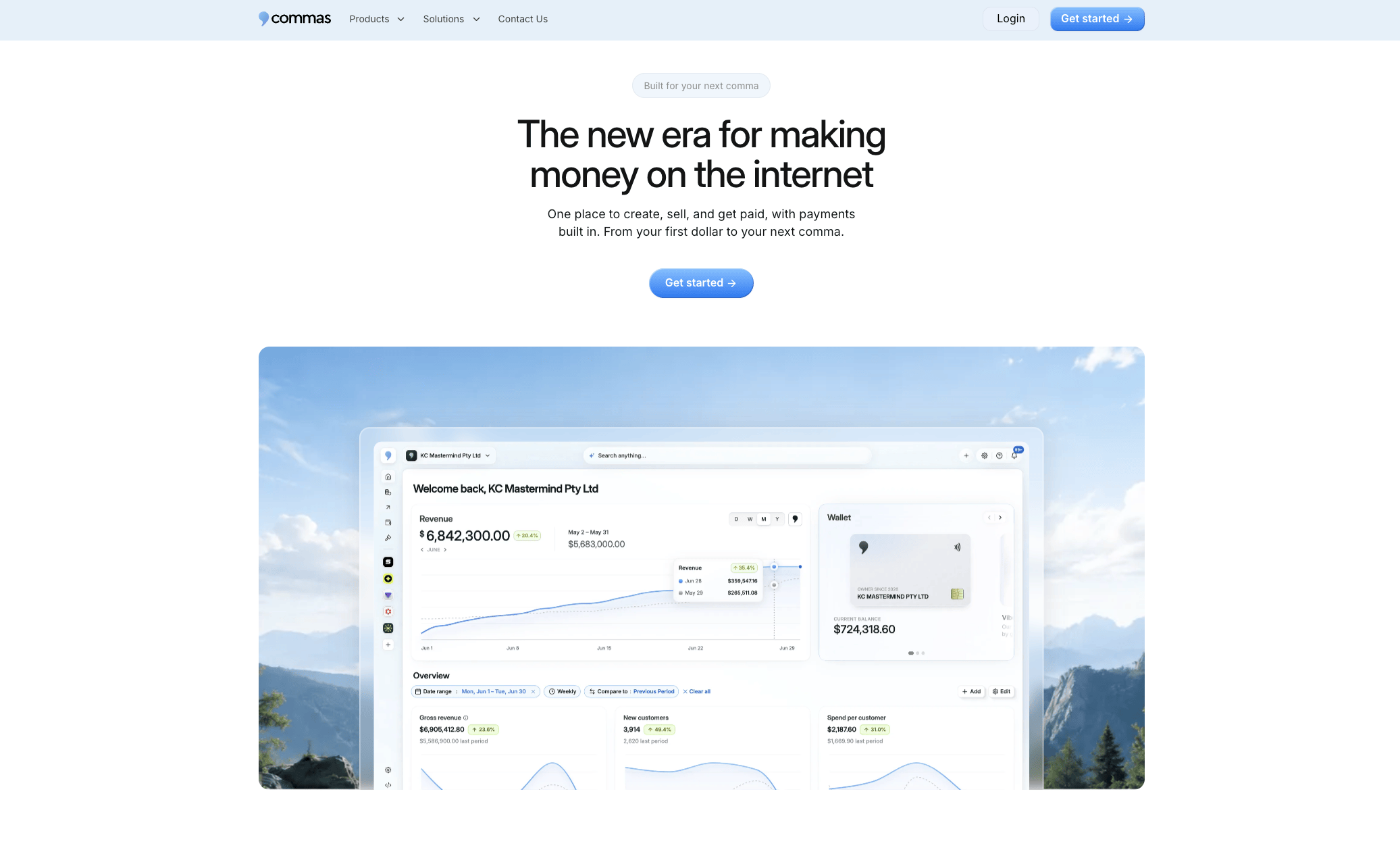
A reasonable first step is to request a demo, walk through a migration checklist with our team, and test a sandbox checkout before importing a single course to confirm the flow works the way you expect. From there, you can decide how much of your catalog to move and on what timeline. Start by requesting a demo to see whether a single-account setup fits how you sell.
FAQ
How long does it take to migrate from Teachable?
A single course migration commonly takes a focused block of time to inventory, rebuild, and test properly, while a multi-course catalog with subscriptions and integrations takes meaningfully longer. The exact time depends heavily on how many integrations and payment configurations you need to rebuild and verify.
What should I back up before leaving Teachable?
Back up every course's lessons, media files, quizzes, and certificates, plus full student records including enrollment dates, purchase history, and subscription status. Keep original source media files outside the platform rather than relying only on Teachable's export, since exports can compress or strip metadata from files.
What is the riskiest part of a Teachable migration?
Payments and enrollment are the highest-risk steps, since a checkout or webhook error can break subscriptions, upsells, revenue tracking, or student access all at once. Testing payments thoroughly before switching your domain is the single most important safeguard in the entire process.
Should I import all my students at once?
No, importing in small batches first lets you verify access and progress tracking before scaling up, which keeps any error contained to a handful of accounts instead of your entire student base. Log in as a test student on both desktop and mobile after each batch to confirm lessons, quizzes, and certificates all work correctly.
Can a platform like Commas simplify a course migration?
A platform that combines payments, funnels, and course delivery in one account, like Commas, reduces the number of separate systems you need to reconnect during a migration. You still need to inventory, back up, rebuild, and test each step, but fewer integration points generally means fewer places for something to break.