
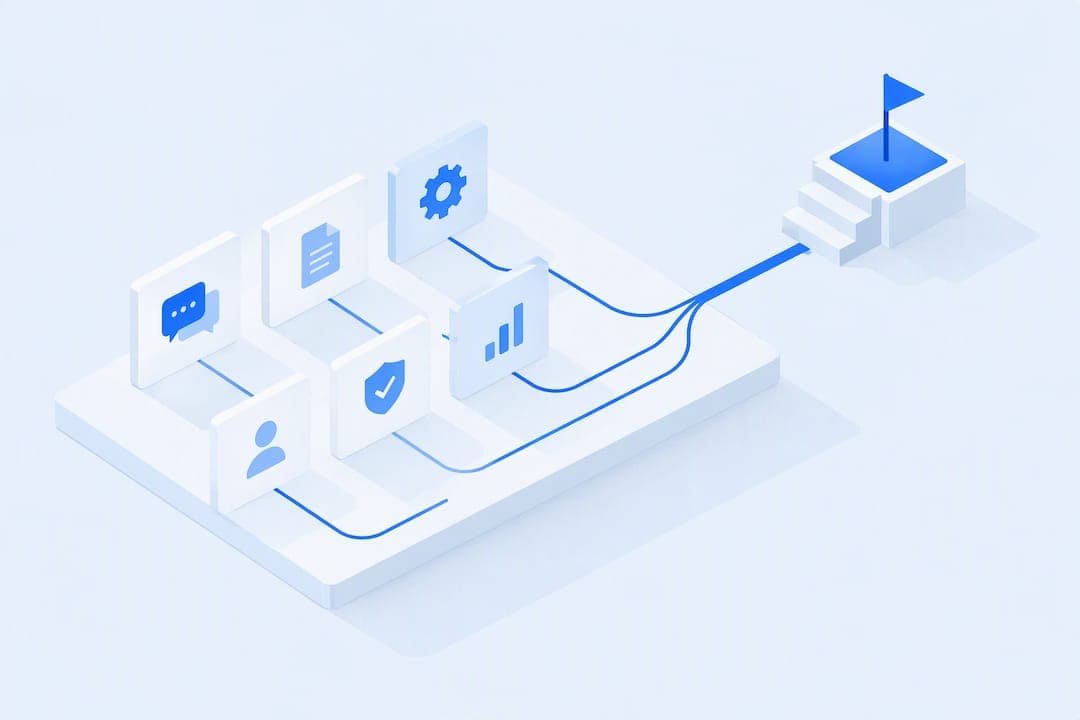
An effective customer portal rests on six feature groups: secure authentication and access control, self-service and knowledge tools, billing and subscription management, adoption-focused UX, reliable integrations, and admin and compliance controls. Get these right and you cut support tickets, protect revenue, and keep users coming back. Get them wrong and even a well-designed portal turns into a support liability, something platforms like Commas try to address by folding payments, funnels, and community tools into one account.
TL;DR:
- Support for multiple authenticators, role-based permissions, and tamper-resistant audit logs are critical to prevent breaches and support compliance.
- A high-quality knowledge base, AI chat with escalation, and visible status pages can significantly reduce support tickets and improve user trust.
- Clear billing dashboards, self-serve plan changes, and intelligent payment retries increase customer confidence and revenue retention.
- Streamlined onboarding, role-specific dashboards, and mobile responsiveness are essential for user activation and daily engagement.
- Fully integrated tools for payments, funnels, and community management simplify setup, reduce manual work, and support scalable, reliable operations.
Table of Contents
- 1. Security and identity: authentication and access control
- 2. Self-service support: help centers, AI chat, and status pages
- 3. Billing, subscriptions, and commerce inside the portal
- 4. UX and onboarding patterns that drive activation
- 5. Integrations, APIs, and data-flow reliability
- 6. Admin, compliance, and lifecycle controls
- 7. Evaluation checklist and rubric for decision-makers
- 8. How Commas maps to these portal needs
- 9. Practitioner perspective: implementation pitfalls and fixes
- 10. Why Commas is a practical choice
- Sources
- FAQ
1. Security and identity: authentication and access control
Authentication is where most portal evaluations should start, because a breach or a lockout undoes every other feature you build. The NIST SP 800-63B guidance on customer authentication recommends supporting alternative authenticator types and designing the login experience around usability rather than around what is easiest to build. That means offering single sign-on, multi-factor authentication, and step-up authentication for sensitive actions like changing a payment method or exporting financial records, while never forcing every user down the same rigid path.
Role-based access control and delegated administration matter just as much as the login screen. A portal that lets one admin account touch every customer's data is a liability, not a feature. During a demo, ask the vendor to show you how a support agent's access differs from an account owner's, and confirm that one tenant's data is walled off from another's at the database level, not just in the interface.
Audit logging closes the loop. You want a record of who accessed what, when, and from where, stored in a way that resists tampering and can survive a legal hold if regulators or auditors come asking. Retention periods should be configurable, not fixed, because compliance windows vary by industry and region.
- Confirm the portal supports at least two authenticator types beyond passwords, including app-based MFA.
- Verify role-based permissions in a live demo, not a slide deck.
- Ask how tenant data isolation is enforced at the infrastructure level.
- Request a sample audit log entry and confirm retention settings are adjustable.
Only a limited share of customer service issues get fully resolved through self-service today, according to a Gartner survey on self-service resolution rates. That gap often traces back to friction in the login and permissions layer long before a customer ever reaches a help article.
Pro Tip: Ask every vendor to show you their account recovery flow, not just their login flow. A portal that handles password resets gracefully will handle everything else better too.
2. Self-service support: help centers, AI chat, and status pages
A searchable knowledge base is table stakes, but the quality of that search determines whether it actually deflects tickets. Typo tolerance, contextual surfacing based on what page a user is on, and results ranked by relevance rather than publish date separate a help center that gets used from one that gets ignored.
AI-driven chat has become the expected next layer, but only when it knows its limits. The best implementations answer straightforward questions immediately and hand off to a human the moment a request turns complex, billing-specific, or emotionally charged. A chatbot that traps users in a loop with no visible escalation path creates more frustration than it prevents.
- Build a knowledge base with contextual, in-product surfacing tied to the page or feature a user is viewing.
- Add AI chat that resolves common questions and escalates cleanly to a human agent when confidence is low.
- Publish a status page inside the portal so users can check for known incidents before opening a ticket.
- Offer self-serve data export so customers can pull their own records without a support request.
- Build in a lightweight feedback loop, like a thumbs up or down on help articles, to flag content that needs revision.
Status visibility deserves more attention than it usually gets. A huge portion of support volume during an outage is just people asking "is this down for everyone or just me." An in-portal status indicator, even a simple banner, removes that entire category of ticket before it starts.
Practitioner UX guidance on portal design suggests that SaaS portals with strong self-service patterns can deflect a significant portion of routine support tickets, which directly affects support headcount and margins. Gartner's research points in the same direction: leaders are prioritizing self-service reimagining alongside employee-facing GenAI as one of the top priorities for customer service organizations going into 2024, pairing better self-service with the customer feedback strategies driving revenue growth needed to know whether it is actually working.
3. Billing, subscriptions, and commerce inside the portal
Billing visibility is often the single feature that determines whether a customer trusts your portal at all. A clear dashboard showing current plan, upcoming invoice, usage against limits, and payment history removes the guesswork that drives billing-related support tickets and chargebacks alike.
Self-serve plan changes matter just as much as visibility. Customers should be able to upgrade, downgrade, cancel, or convert a trial without waiting on a sales call, and the flow should show the financial impact before the user confirms it, not after. Locking basic plan management behind a "contact us" button is one of the fastest ways to lose a customer who was ready to pay more, not less.
- Show invoices, usage trends, and forecasted charges on one dashboard.
- Let customers change plans, cancel, or convert trials without sales intervention.
- Support multiple payment methods, including cards, buy now pay later, and one-click checkout.
- Automate retry logic for failed payments before escalating to a dunning email or account suspension.
Payment retries deserve their own scrutiny. A portal that retries a failed card charge intelligently, timing attempts around typical payday cycles rather than firing every hour, recovers meaningfully more revenue than one that gives up after a single failed attempt. Dispute flows should also be visible to the customer, not hidden entirely inside a back office system, since transparency here reduces chargebacks. Commas' own payments product is built around this kind of recovery automation paired directly with checkout.
Every financial action inside the portal, a refund, a plan change, a retry, should generate an auditable record, and customers should be able to export their own billing history for their own reconciliation.

Pro Tip: Test the cancellation flow yourself before you buy or build. If canceling takes more than two clicks, your customers will notice, and so will your churn rate.
4. UX and onboarding patterns that drive activation
The first few minutes inside a portal decide whether a customer becomes an active user or a support ticket. An onboarding checklist that a new user can complete quickly, without a maze of optional steps, sets the tone for everything after. Practitioner guidance on SaaS portal design points to onboarding flows completed in under four minutes paired with a dashboard that surfaces exactly one primary action per role, rather than a wall of equally weighted buttons.
Progressive disclosure keeps that simplicity intact as users grow more sophisticated. Advanced settings, bulk actions, and integration configuration should exist, but tucked behind a secondary menu rather than competing for attention on day one. In-product prompts can nudge users toward an upgrade or a feature they have not tried, but only when they are tied to actual behavior, not fired on a timer regardless of context.
- Design an onboarding checklist a new user can finish in under four minutes.
- Give each dashboard role one clear primary action instead of competing options.
- Use progressive disclosure so advanced settings do not clutter the first-run experience.
- Trigger upgrade prompts based on usage patterns, not arbitrary time delays.
Accessibility and mobile responsiveness are no longer optional extras. A portal that only works well on a desktop browser shuts out a meaningful share of users who expect to check an invoice or open a support ticket from a phone.
The same practitioner UX guidance reports that a focused onboarding checklist combined with a single clear dashboard action can lift activation significantly and daily active use moderately. Those are the metrics worth tracking after launch: activation rate, daily active users, churn, and expansion revenue, since they tell you whether the portal is actually changing behavior rather than just sitting there.
5. Integrations, APIs, and data-flow reliability
A portal is only as trustworthy as the data flowing through it, and that data usually comes from somewhere else: a CRM, a billing system, an analytics tool. Setup wizards that walk an admin through OAuth connections and field mapping save days of implementation time compared with a "click here to read our API docs" approach that assumes a developer is standing by.
Once connected, you have to decide whether a given piece of data should be read live or cached. A support agent checking account status needs current information; a historical usage chart can tolerate a short delay. Getting this distinction wrong either slows the portal down with unnecessary live calls or shows users stale numbers they no longer trust.
- Use guided setup wizards for OAuth connections and field mapping instead of raw API documentation.
- Apply idempotency keys and correlation IDs so retried requests never create duplicate records.
- Reserve live reads for time-sensitive data and cache anything that tolerates a short delay.
- Surface queued or pending states clearly so users know an action is processing, not lost.
Event-driven architecture matters most when work takes time to complete, a large data export, a bulk plan change, a document being processed. Rather than making a user stare at a spinner, a well-built portal queues the work and shows a visible pending state, then confirms completion through a notification.
| Integration pattern | Best for | Risk if skipped |
|---|---|---|
| OAuth setup wizard | CRM and billing connections | Manual errors during onboarding |
| Idempotency keys | Payment retries and API calls | Duplicate charges or records |
| Event-driven queuing | Bulk exports and long-running jobs | Users assume the action failed |
| Live vs. cached reads | Account status vs. historical trends | Stale data or unnecessary latency |
Reconciliation processes tie this together. Somebody, whether it is the billing system or the CRM, has to be the authoritative record when two integrated systems disagree, and the portal should be built to defer to that source rather than showing users two conflicting numbers.
6. Admin, compliance, and lifecycle controls
Behind every customer-facing feature sits an admin layer that determines whether the portal is safe to operate at scale. Delegated administration lets a company assign portal management to specific team members without handing over full account control, and role assignments should be reviewed on a set cadence rather than left to accumulate indefinitely.
Offboarding deserves the same rigor as onboarding. When an employee or a customer account is closed, access should revoke immediately and automatically, not depend on someone remembering to file a ticket. Guidance on portal design for regulated industries points to role-based access control, activity logging, and encryption as baseline requirements for any portal handling sensitive data, regardless of whether the company operates under formal regulation.
- Assign delegated admin roles and review permission assignments on a regular cadence.
- Automate account offboarding so access revokes immediately, not on a delay.
- Keep immutable logs with retention automation and safeguards against tampering.
- Rehearse incident communication and recovery procedures before you need them for real.
Log integrity is worth a specific check during any vendor evaluation. Logs that an admin can quietly edit or delete are close to useless for both security investigations and compliance audits. Ask whether logs are append-only and whether they are stored separately from the systems an admin can otherwise control, since that separation is what prevents privilege escalation from also erasing its own evidence.
7. Evaluation checklist and rubric for decision-makers
Choosing or building a portal comes down to five weighted criteria: security, integrations, billing accuracy, UX quality, and operational maturity. Treat each as a pass or fail gate rather than a nice to have, because a portal that scores brilliantly on design but fails on tenant isolation is not a viable candidate.
- Ask the vendor to demo role-based access live, including what a support agent versus an account owner can see.
- Request a sample of their audit log and confirm retention and tamper resistance.
- Walk through the cancellation and plan change flow yourself, end to end.
- Ask how failed payments are retried and whether disputes are visible to the customer.
- Confirm whether integrations use guided setup or require custom development work.
- Check for a visible status page and confirm incident communication happens inside the portal.
A handful of red flags should end the conversation quickly: billing terms hidden until checkout, no status page or incident visibility, a single admin account with no delegation options, and API documentation that assumes a developer will handle everything manually. Any one of these points to a portal that will generate support tickets rather than deflect them.
| Evaluation area | What to check | Weight |
|---|---|---|
| Security and access | MFA support, RBAC, tenant isolation | High |
| Billing and commerce | Self-serve plan changes, retry logic | High |
| Integrations | Setup wizards, API contracts | Medium |
| UX and onboarding | Checklist completion time, dashboard clarity | Medium |
| Operations | Status visibility, incident communication | Medium |
For a pilot, pick one high-volume customer journey, something like plan upgrades or password recovery, and run it through the candidate system with real users before committing further. Track completion time, ticket volume during the pilot window, and whether users abandon the flow partway through. A short technical proof of concept covering that single journey tells you more than a feature checklist ever will.
Pro Tip: Score each vendor against the rubric with your own team in the room, not just the vendor's sales engineer. The gaps show up fastest when your own support staff tries to break the flow.
8. How Commas maps to these portal needs
Commas was built around the idea that fragmented tools, one app for payments, another for funnels, a third for community management, create exactly the kind of friction this checklist warns against. The platform combines payments, sales funnel building, and community and course delivery into a single dashboard, which maps directly onto the billing and commerce group covered earlier: invoicing, subscription changes, and one-click or buy now pay later checkout all run through the same account rather than a patchwork of integrations.
On the UX and onboarding side, some platforms apply AI to optimize sales funnels based on patterns the platform has already proven, which reduces the manual tuning that usually falls on a marketing team during the first weeks after launch. That AI-driven optimization sits closer to the adoption and expansion goals covered in the UX section than to a general automation claim, since it is specifically aimed at conversion inside the funnel and checkout experience.
For teams evaluating a portal against the criteria in the checklist above, Commas is worth including in that comparison for the billing, commerce, and community management groups specifically, since integrated payments and funnel tools are where the platform's own positioning is strongest. It is a product presentation aligned with the same rubric a decision-maker would use for any other candidate: does it handle self-serve billing, does it reduce manual setup, and does it consolidate tools that would otherwise live in separate systems.
9. Practitioner perspective: implementation pitfalls and fixes
The biggest mistake teams make when rolling out a customer portal is trying to launch every feature group at once. Ship one verified customer journey first, something like invoice viewing or password recovery, get it rock solid, then expand. A portal that launches broad and shallow generates more tickets than the legacy system it was meant to replace.
Recovery rehearsal gets skipped constantly, and it is the single most predictable failure point. Teams test the happy path, a customer logging in and paying an invoice, but never simulate a locked account, a failed MFA reset, or a payment dispute mid-flow. Those edge cases are exactly what show up in week one of a real launch.

Settings sprawl is the quieter failure. Every stakeholder wants one more toggle, one more configuration option, and within six months the once-simple dashboard has thirty settings competing for attention. Progressive disclosure has to be enforced as a discipline, not just a launch-day design choice.
Keep your legacy support channels, phone, email, whatever they were, running in parallel until self-service has proven itself with real usage data. Cutting them too early, before you know your knowledge base and AI chat actually resolve what customers need, just moves frustration somewhere you can no longer see it.
The portals that fail are rarely the ones missing a feature. They are the ones that never rehearsed what happens when a feature breaks.
— FanBasis
10. Why Commas is a practical choice
If your team is weighing whether to stitch together separate billing, funnel, and community tools or consolidate them into one account, some platforms are built for that second path. Some platforms bring payment processing, including one-click checkout and buy now pay later, together with funnel building and community management, so the billing and commerce features covered earlier in this guide live inside the same dashboard as onboarding and engagement tools.
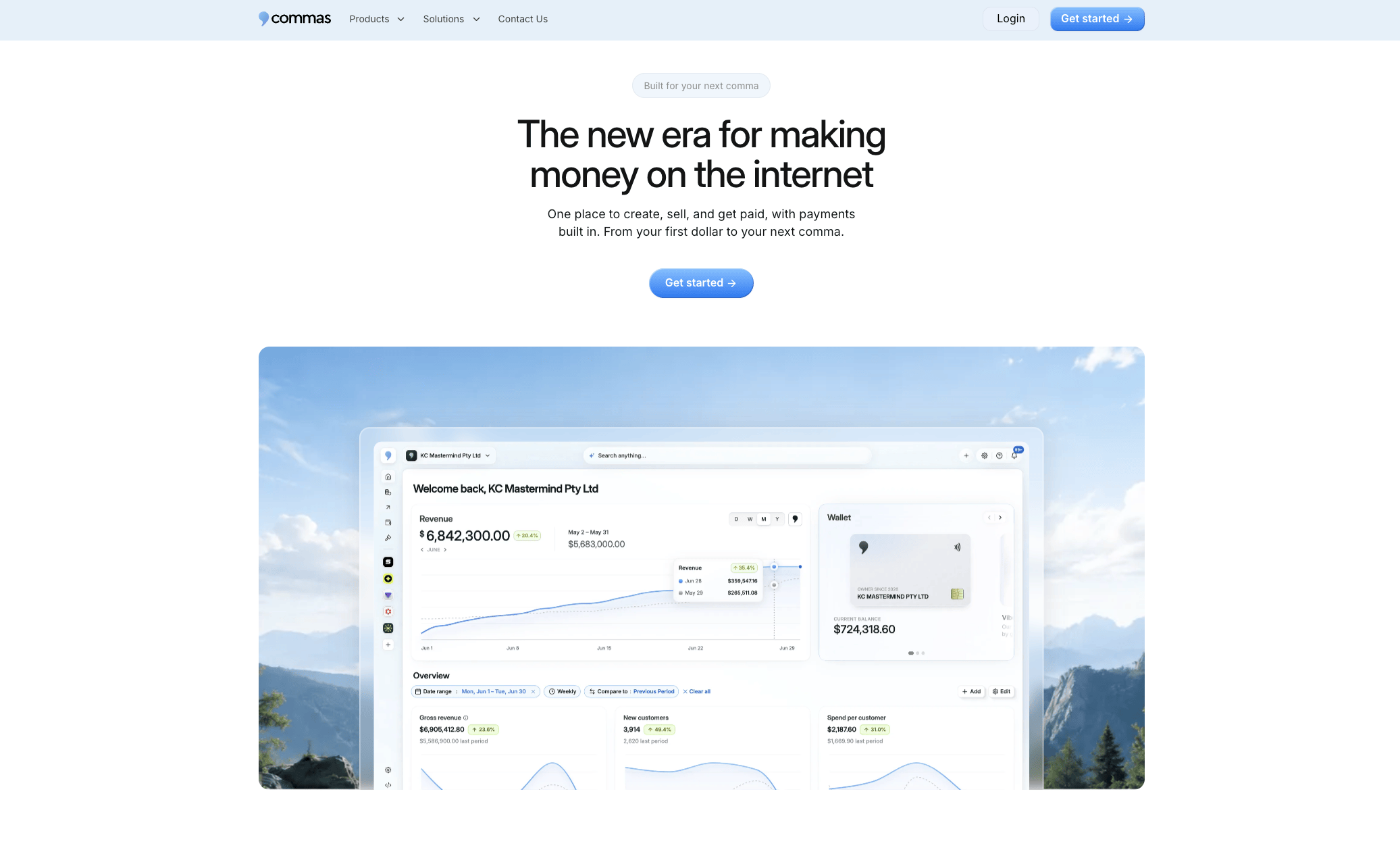
For teams selling courses, memberships, or digital products directly to customers, that consolidation removes a layer of integration work that most portal rollouts get stuck on. Check out Commas Payments to see how the retry and recovery flows work, or look at Vibe Funnels if funnel-driven onboarding is the piece you are missing.
Sources
- Customer Experience Considerations — NIST SP 800-63B
- Gartner survey: Only 14% of customer service issues fully resolved in self-service
- Customer portal design: features, examples, UX patterns — Vezert
FAQ
What are the key features of a portal?
A strong customer portal combines secure authentication and role-based access, self-service tools like a searchable knowledge base and AI chat, billing and subscription management, and admin controls such as audit logging. Integrations with CRM and billing systems, along with mobile-friendly design, round out the core set covered throughout this guide.
What are some examples of customer portals?
Common examples include billing and account portals offered by subscription software companies, student portals used by schools for grades and enrollment, and self-service support portals paired with a knowledge base and ticketing system. Platforms like Commas fold payment and community management into a single portal rather than separating them into different tools.
What is a customer portal?
A customer portal is a secure, logged-in web or mobile interface where customers manage their own account, view billing history, get support, and access resources without contacting a company representative directly. It typically sits behind authentication and connects to backend systems like billing, CRM, or a knowledge base.
Can you give me an example of a portal?
A subscription billing portal is a common example, letting a customer view invoices, update a payment method, or cancel a plan without a phone call. Student portals and support ticketing portals follow the same pattern, giving users self-serve access to their own records and requests.